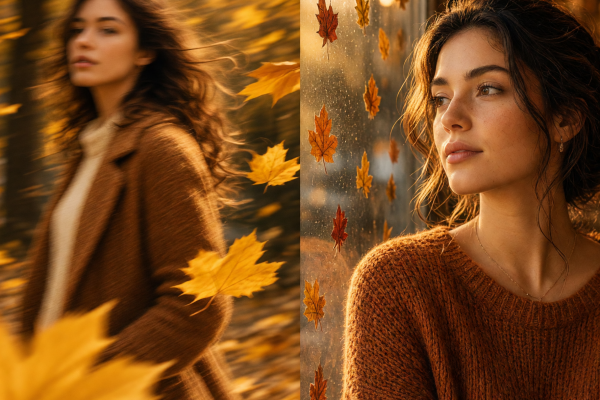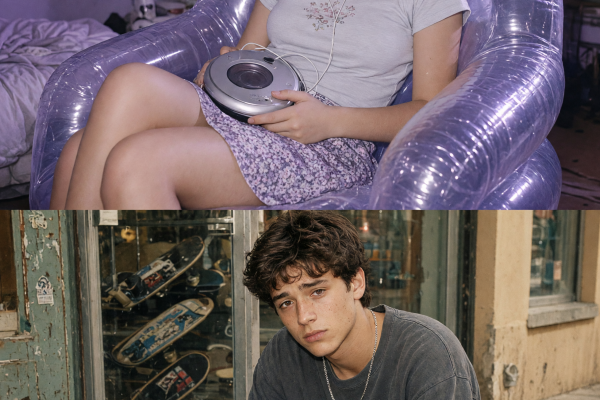

The tiny world photo effect turns one ordinary object into a portal. A suitcase becomes a beach town, a jam jar becomes a neon street, and a book opens into a greenhouse. The format catches attention because the scale shift reads in a second, yet viewers can keep spotting details after the first glance.
The strongest version has three jobs: one familiar oversized object, one tiny scene with a clear theme, and lighting that makes both feel like they belong in the same photograph. Think less random fantasy and more a miniature place with its own rules.
Why the tiny world photo effect is having a moment
Creators want images that reward a replay. A tiny-world scene gives a feed post an immediate visual question: is that a real town inside the object? It also gives the eye small rewards, from a café chair to a train track or a boat wake. That makes it useful for a still post, a story cover, a carousel opener, or the first frame of a short reveal video.
Miniature faking has long used selective focus and scale cues to make full-size scenes feel small. This version flips the idea. Instead of making a city look like a model, it places a model-like city where it cannot possibly fit. Keep the scale contrast obvious. If the container and the scene both feel small, the hook disappears.
1. Pack a whole place into a suitcase
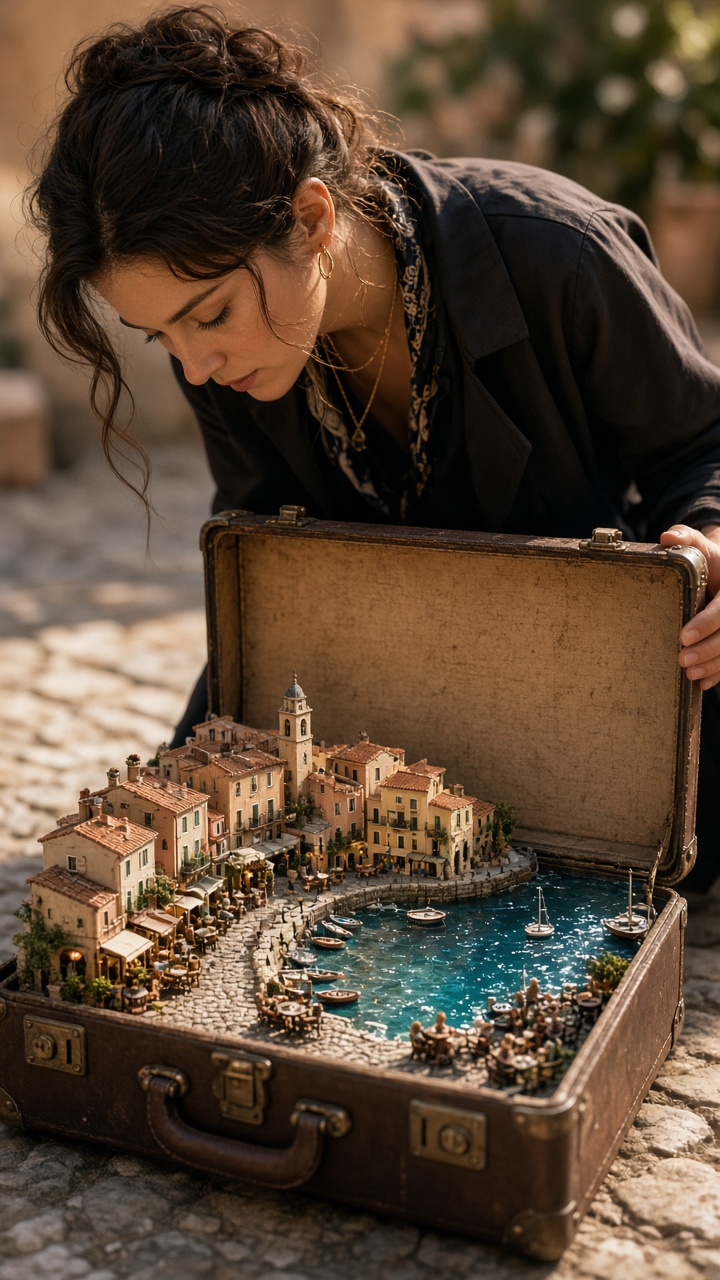
An open suitcase is an easy starting point because it already suggests travel. Shoot or choose one with the lid fully visible and a simple interior. Then give the miniature destination two or three signals people recognise fast: blue water, tiled roofs, small boats, striped awnings, or café tables.
Prompt to try: “Open vintage suitcase on a hotel bed, realistic miniature Mediterranean harbour inside, tiny fishing boats, terracotta roofs, warm afternoon light, detailed diorama, believable scale contrast.” Keep the outside setting quiet. A busy bedroom, extra luggage, or a crowded background competes with the town.
For a travel reel, begin on the closed suitcase, cut to the open reveal, then use a slow push-in toward the harbour. For a trip announcement, match the town to the real destination. For a gift post, swap the harbour for a tiny version of the recipient’s favourite place.
2. Put a night city in a jar
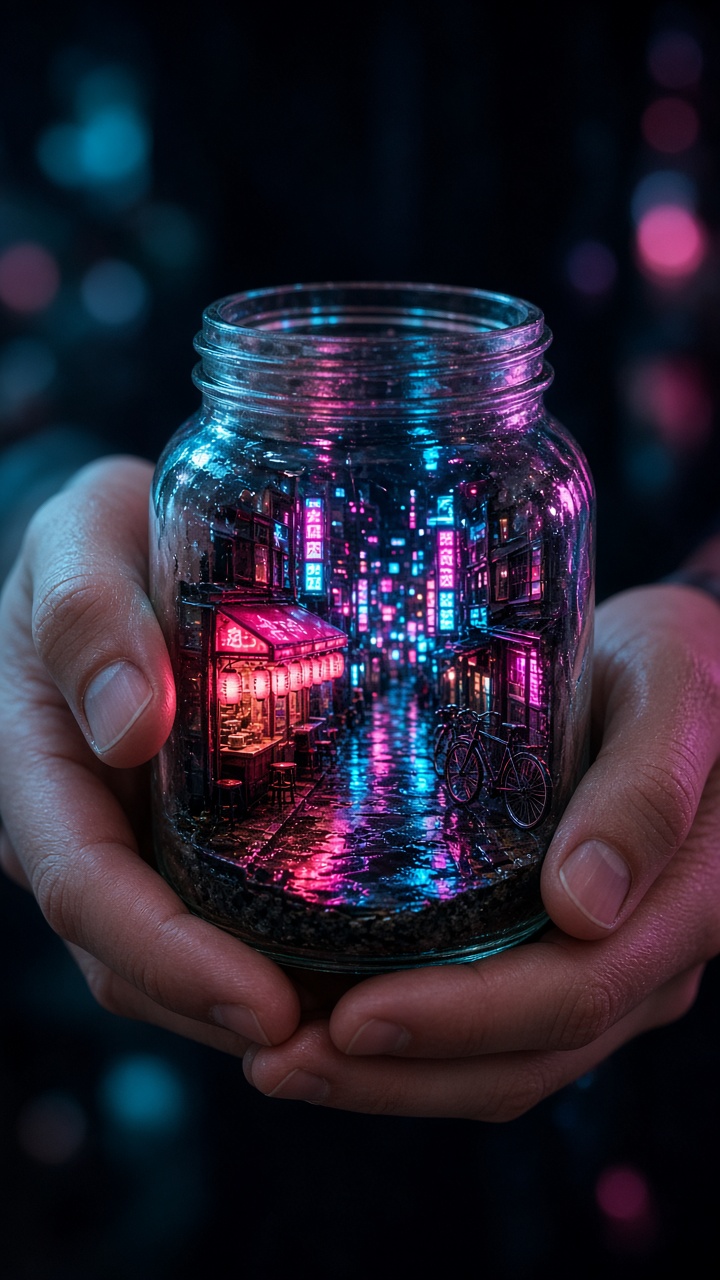
A glass jar suits a darker take on the trend. It gives the tiny world a clean boundary, which helps the scene look intentional. Place the jar near a window or on a table, then build the mood inside it with a few bright signs and wet pavement reflections. Too many towers make it look like a sticker collage, so leave some open street space.
Prompt to try: “Clear glass jar held in two hands, miniature rainy night street inside the jar, small neon signs, glowing shop windows, reflective pavement, cinematic blue and magenta light, realistic glass reflections.” Ask for realistic hands if they appear in the frame. Fingers are close to the viewer, so mistakes there are hard to ignore.
This look fits music clips, nightlife edits, gaming posts, and moody birthday stories. A portrait crop works well when the jar sits in the lower half and the glow has room to rise above it. Keep one neon colour dominant, then use a second only as an accent.
3. Make a record spin into a city
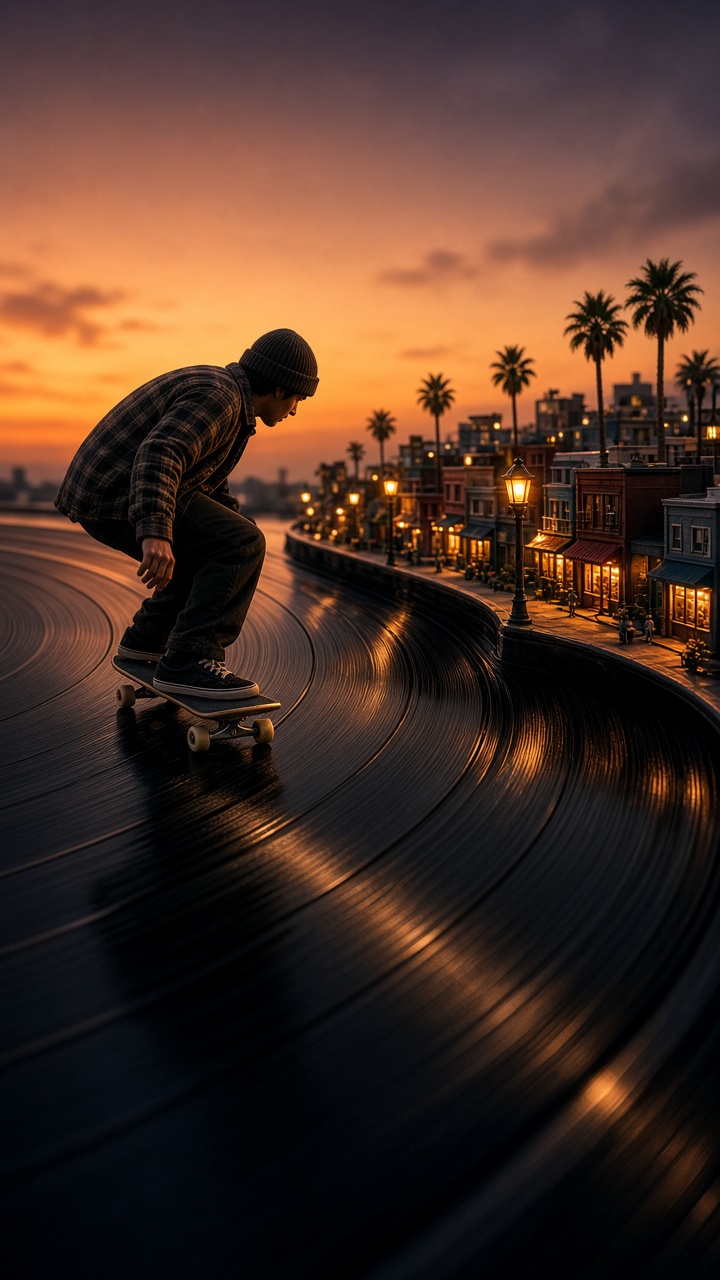
The best tiny worlds connect to the object that holds them. A vinyl record can become a miniature music district, with record shops, street lamps, a tiny stage, and a few late-night pedestrians. The record grooves act like roads, so use them instead of hiding them. That connection makes the effect feel designed rather than pasted on.
Prompt to try: “Top-down photo of a black vinyl record on a turntable, miniature city built on the record grooves, tiny record store, streetlights, small concert crowd, warm tungsten lighting, realistic miniature diorama.” A top-down angle is the safe choice. It makes the circular shape clear and keeps the scale readable.
Use this version to announce a playlist, show a concert outfit, or give an album review a stronger cover image. For video, animate a gentle rotation and let the streetlights pass through frame. Avoid fast spins; the tiny buildings need a second to register.
4. Let a book grow a world
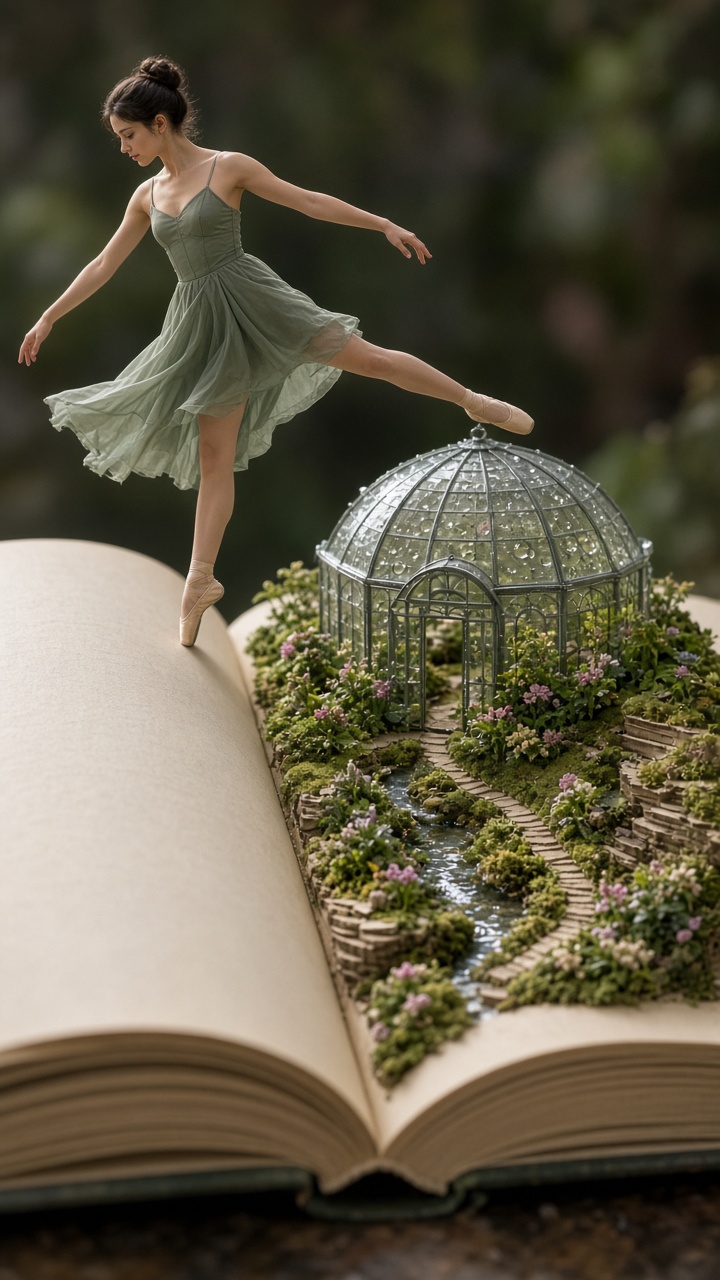
An open book gives the effect more emotion. The pages can become paths, hills, or a garden floor, while the spine creates a natural centre line. This approach works best with one simple world: a greenhouse, a woodland cabin, a tiny library, or a flower market. Trying to add a city, a character, and dramatic weather at once usually muddies the frame.
Prompt to try: “Open hardcover book on a wooden desk, a miniature glass greenhouse growing from the pages, tiny potted plants and stone path, soft window light, shallow depth of field, realistic handmade diorama.” Style it with warm wood, paper texture, and soft shadows. These details help the miniature scene feel touchable.
This is a strong choice for book-club posts, cosy autumn carousels, classroom projects, and reading challenges. If a person appears, place them beside the book rather than inside the scene. The book stays the stage, and the person gives the frame a human scale reference.
How to get the tiny world photo effect
- Pick one container or surface: suitcase, jar, book, shoe box, cup, or record.
- Choose one miniature location and name three visible details. A beach town with boats, tiled roofs, and café tables is easier to read than a vague “dream city.”
- Describe the camera angle before the scene. Use top-down for a record, eye level for a suitcase, and close-up for a jar.
- Add “realistic miniature diorama” and “believable scale contrast” to anchor the look. Then set one lighting mood: golden afternoon, rainy neon, or soft window light.
- Keep the human pose simple. Holding the object, looking into it, or placing it on a table works better than an action-heavy pose.
- Make one clean version first. After it works, change only the location or colour mood for a carousel. That gives the set a consistent visual thread.
For a video version, use a slow camera move: a close push-in, gentle orbit, or rack focus from the object to the tiny scene. Skip dramatic zooms and quick cuts. The reveal needs time. A current image-generation tool can help shape the scene, but the prompt should always start with the object, the small world, and the lighting relationship between them.
Find more playful ideas in our trending effects collection.
Try this effect in Bloom AI
Recreate these looks on your own photos and videos – free to start.
For help describing the subject, style, and lighting, see Adobe Firefly’s prompt-writing guide.