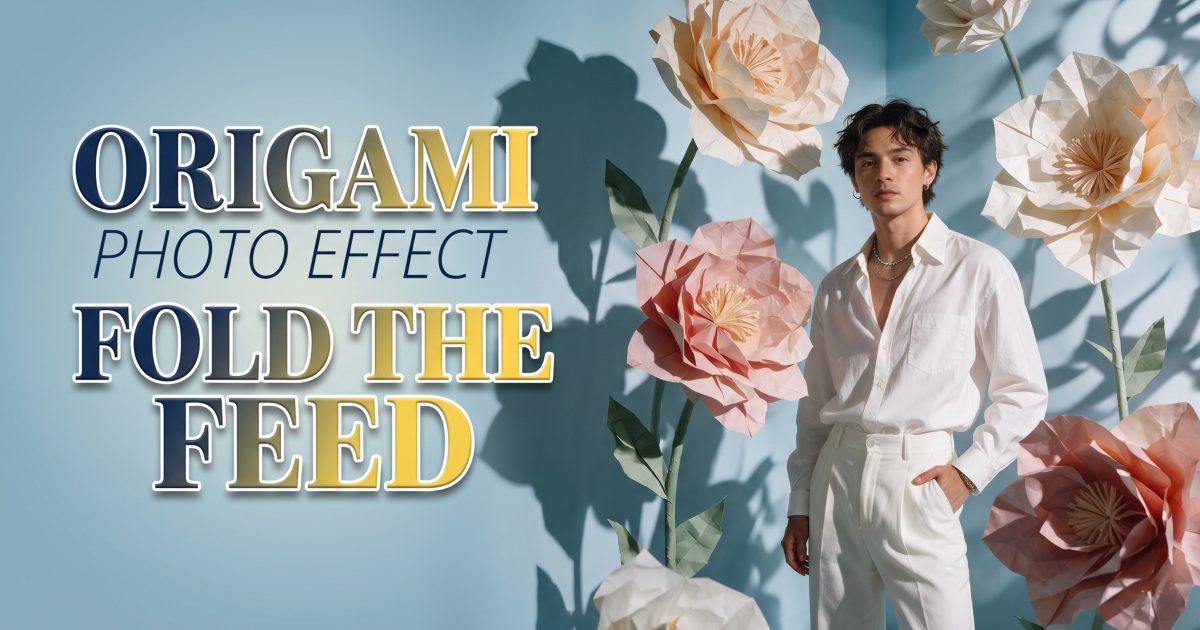
The origami photo effect turns a regular portrait into a paper-sculpture scene with sharp folds, big shapes, and color that stops a scroll. It works because the face, pose, and light still feel familiar while the background does something impossible. Treat it less like a filter and more like art direction: choose one paper object, give it a job in the frame, then keep the rest clean.
Why the origami photo effect works
Paper has instant texture. A hard crease catches light differently from a soft background, so even a small screen can show the idea. It also gives an ordinary photo a clear story. A flower can frame a birthday outfit. A butterfly can turn a still pose into a dreamy fashion image. A wave can make a skate clip feel built for motion.
Start with a source photo that has one readable subject and a simple silhouette. Window light, a plain wall, or open sky all help. Busy prints, tiny faces, and crowded backgrounds make the folds compete for attention. Pick two or three colors before generating, then repeat them in the paper, clothes, and background.
1. Paper-flower portrait
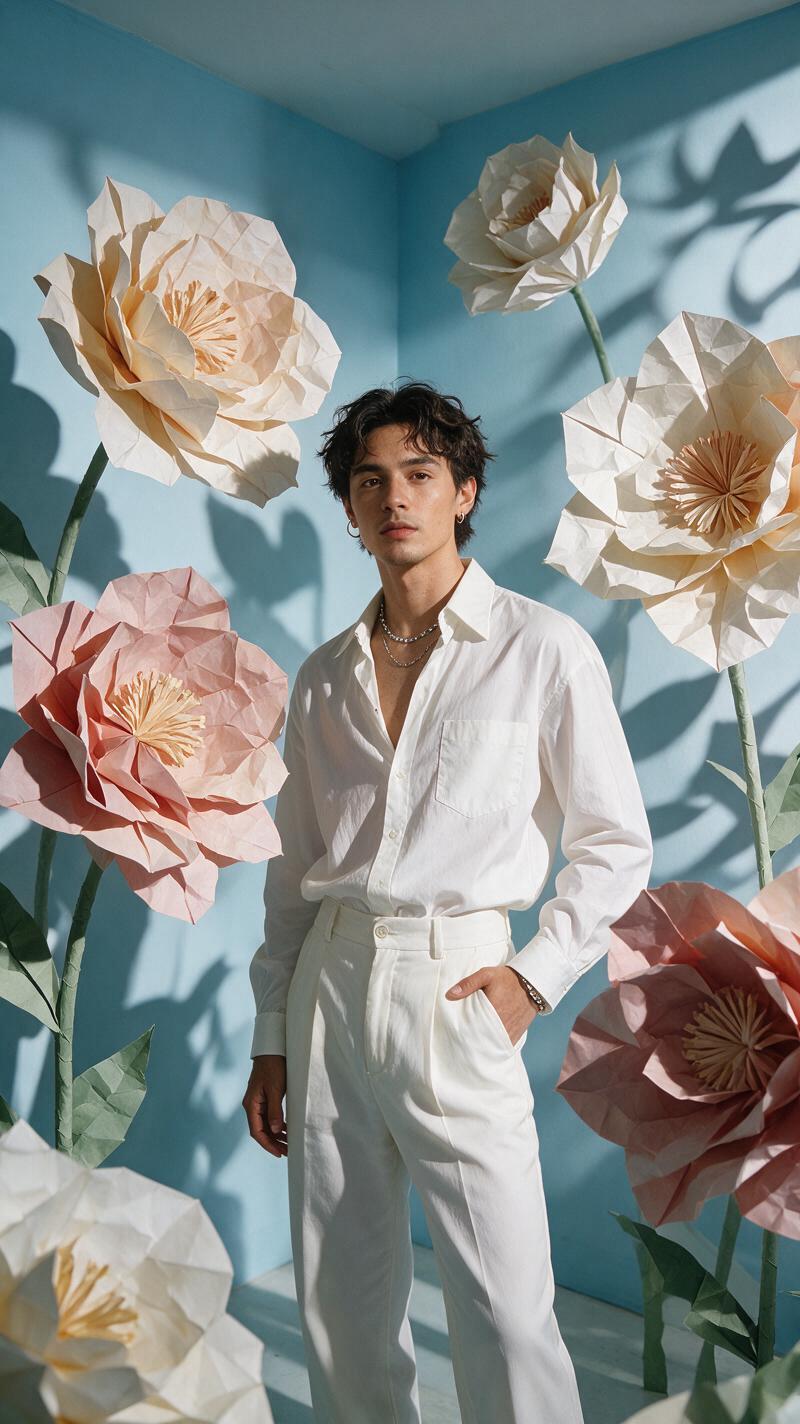
A paper-flower portrait is the easiest place to start. Keep the subject facing the camera or turned three-quarters toward the light. Place one oversized bloom behind a shoulder instead of covering the face. That gives the flower scale without making the image look like a costume.
Prompt to try: “editorial portrait of a person in a lemon-yellow shirt, one oversized coral origami flower opening behind the left shoulder, crisp paper creases, soft studio shadow, pale blue background, realistic face and hands, fashion campaign framing.”
For a stronger result, name the paper finish: matte craft paper feels playful, while lightly textured washi paper feels softer. Crop at chest height for a profile post. Leave a little empty space above the head if text may be added later. This version suits outfit reveals, birthday posts, and a fresh profile picture.
2. Giant paper butterfly
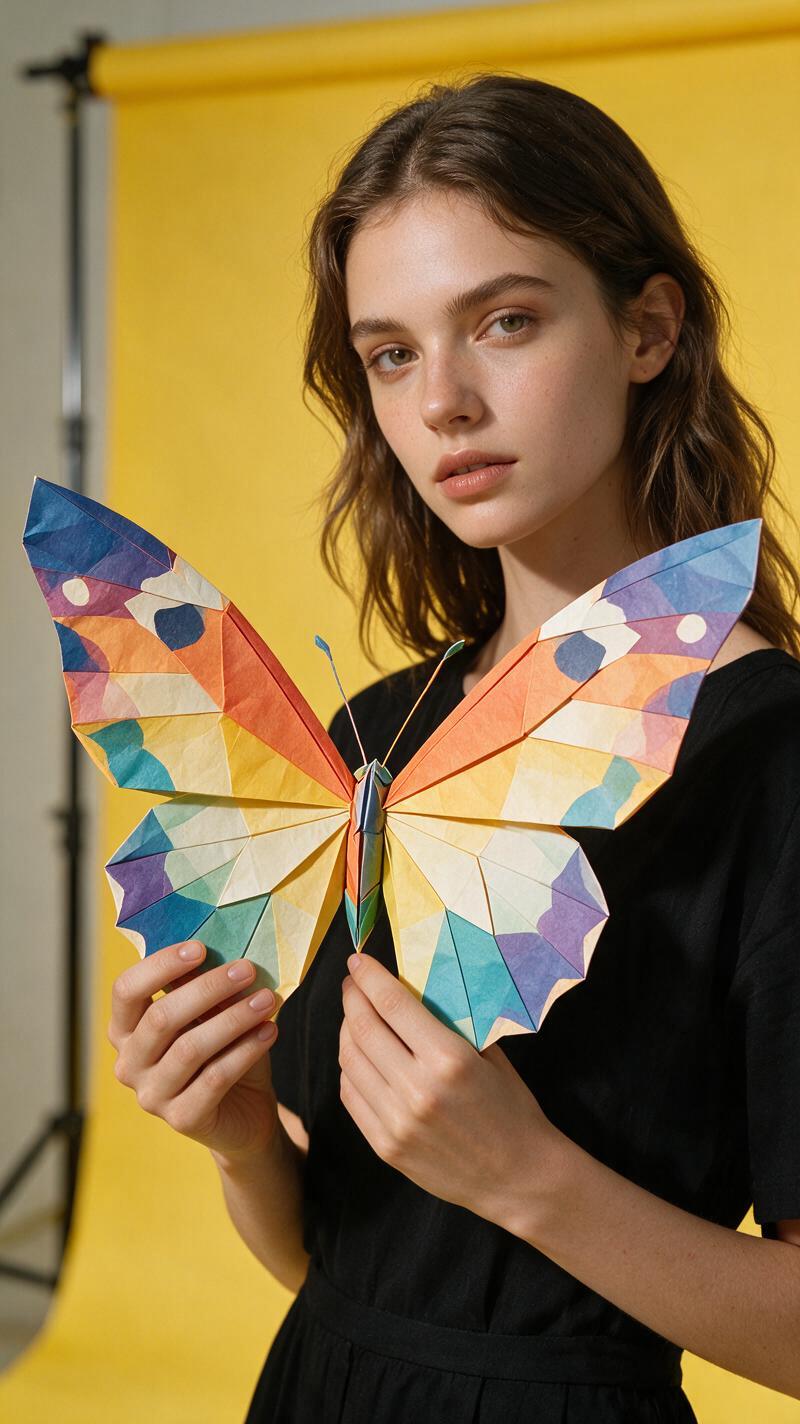
A butterfly gives the origami photo effect a little movement even in a still image. Use a relaxed side pose, a hand held near the collarbone, or a slow head turn. Put the wings behind the subject, with one wing slightly closer to the camera. The overlap makes the shape feel placed in the scene rather than pasted on.
Prompt to try: “street-style portrait at golden hour, giant ivory and cobalt origami butterfly behind the subject, folded wings with visible crease lines, gentle wind in hair, warm film grain, real skin texture, shallow depth of field.”
Don’t ask for dozens of small butterflies. One large shape reads faster and avoids visual clutter. Match one wing color to a shoe, bag, or nail shade. For a Reel cover, crop vertically and let the upper wing reach into the top third of the frame. Use this look for spring launches, concert outfits, or a before-and-after glow-up.
3. Folded clouds with friends
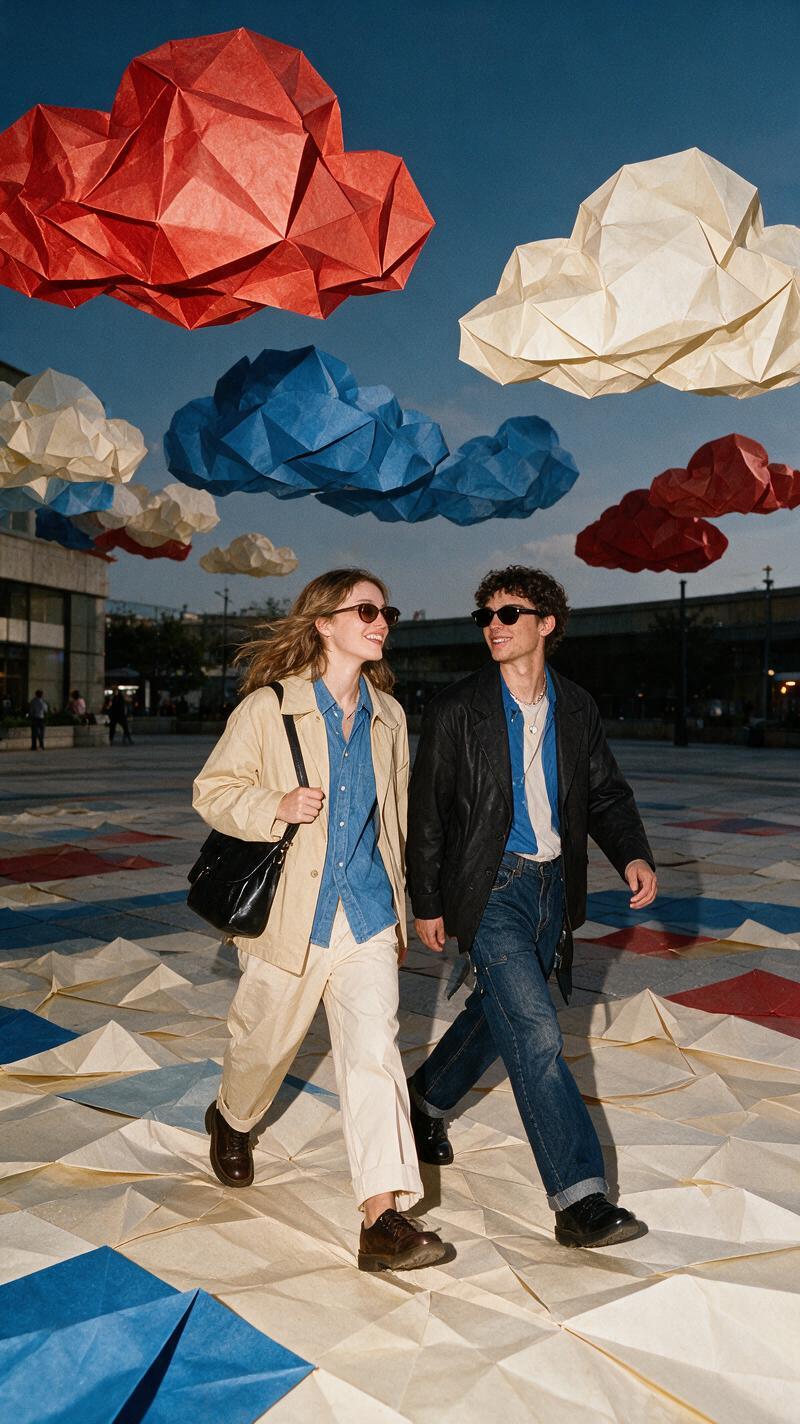
Group photos need simpler direction. Ask everyone to stand on one line or walk in the same direction, then let the paper clouds sit high in the sky. The people should still be the main event. A limited palette of white, powder blue, and one accent color stops the scene from becoming sugary.
Prompt to try: “three friends walking on a sunny city sidewalk, oversized white origami clouds floating overhead, small paper sun in butter yellow, natural candid laughter, crisp geometric folds, realistic clothing and faces, wide vertical social photo.”
Check hands and faces before posting. If a person sits near the edge, leave extra room around them in the original photo. That gives the effect space to build clouds without cutting off a shoulder. This setup works well for friend trips, campus days, team posts, and casual weekend carousels.
4. Paper wave action shot
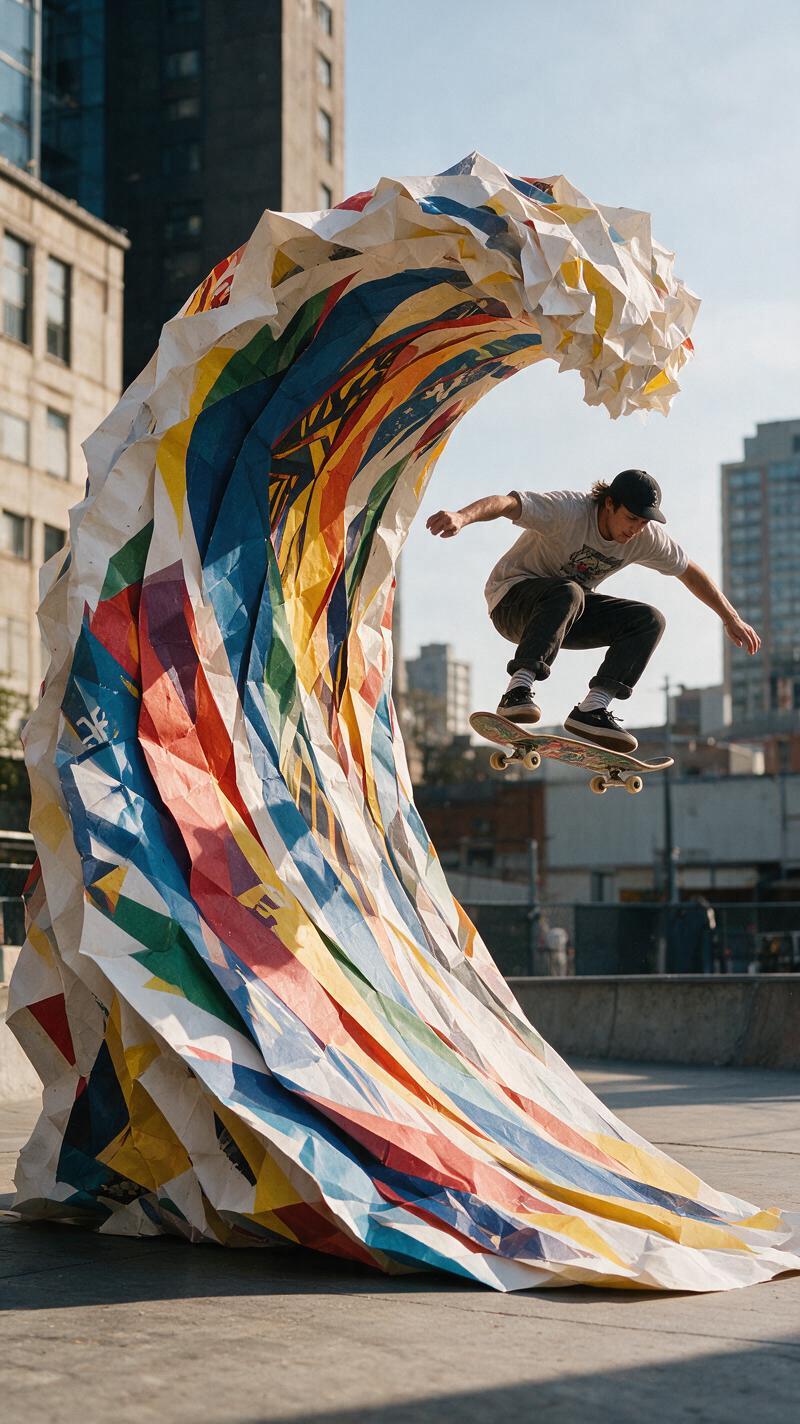
Action needs a clear line of movement. Capture the skater, runner, dancer, or bike rider mid-step, with space in front of them. Build the paper wave behind that line so it looks like it is chasing the action. Keep the person and their equipment realistic; the folded wave supplies the surreal part.
Prompt to try: “skateboarder carving across an empty concrete plaza, towering teal origami wave curling behind the board, sharp folded paper edges, late-afternoon sun, believable skateboard and body position, dynamic low camera angle.”
Use a faster crop for Stories and short video covers: board or feet low in frame, wave sweeping diagonally behind. For video, begin with the original action shot, then reveal paper panels one at a time from the background forward. A short two-second build feels more convincing than a sudden full-screen transformation.
How to make the origami photo effect hold together
- Choose one hero shape: flower, butterfly, cloud, or wave.
- Give the paper a physical description such as matte, textured, creased, or layered.
- Keep the subject’s face, hands, clothes, and key objects realistic.
- Use a two- or three-color palette and repeat one color in the real scene.
- Generate a few variations, then pick the image with the cleanest subject outline.
- For motion posts, animate the paper in layers instead of warping the whole frame.
Image tools with reference-guided editing can help preserve the original pose while changing the scene. The Seedream V5 Pro image tool supports detailed image direction and reference-guided edits, which makes it useful when the paper shape needs to stay controlled. Keep the instruction specific, then trim anything that does not serve the main fold.
Need another scroll-stopping idea? Browse more trending effects for looks that start with one clear visual twist.
Try this effect in Bloom AI
Recreate these looks on your own photos and videos – free to start.