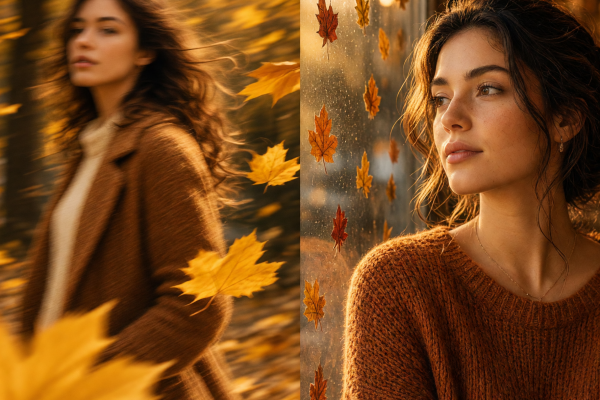
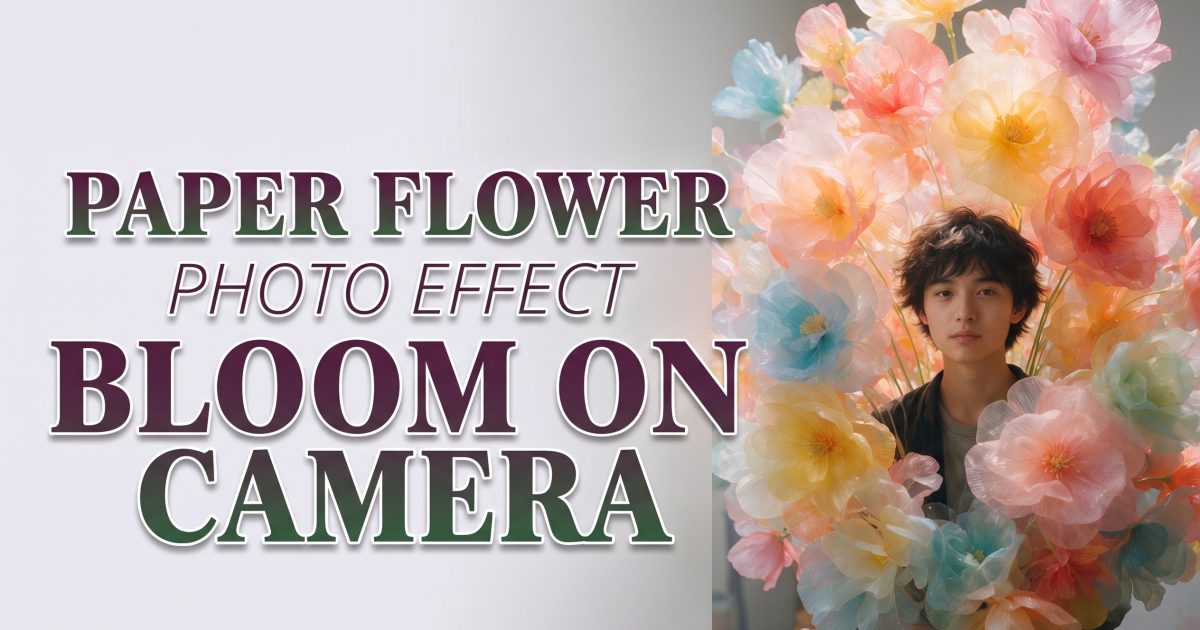
The paper flower photo effect makes a portrait feel like it stepped into a bright handmade set. Oversized petals, tactile cut-paper edges, and candy color turn an ordinary photo into a little fantasy world. The person stays real while the setting goes delightfully out of scale.
That contrast is why the look works in a fast scroll. A giant bloom is easy to understand in one second. Then the folded edges, soft shadows, and color layers give people a reason to look longer. Use it for a profile refresh, a spring birthday post, a music teaser, or a cheerful carousel that needs more personality than a standard portrait.
Why the paper flower photo effect is blooming
Textured effects are a useful break from glossy, hyper-real edits. Paper has visible layers. It catches light at the edges. It looks crafted, even when the color is bold. The trick is to choose one visual idea and let it lead: large flowers around the face, a small garden behind friends, or petals bursting into a music scene.
Start with a clear image. Faces should be visible, hands should not cover the eyes, and the background should not be too busy. A simple wall, clean pavement, or open sky gives the paper flower photo effect room to build a set around the subject instead of fighting a crowded scene.
1. Flower-frame portrait
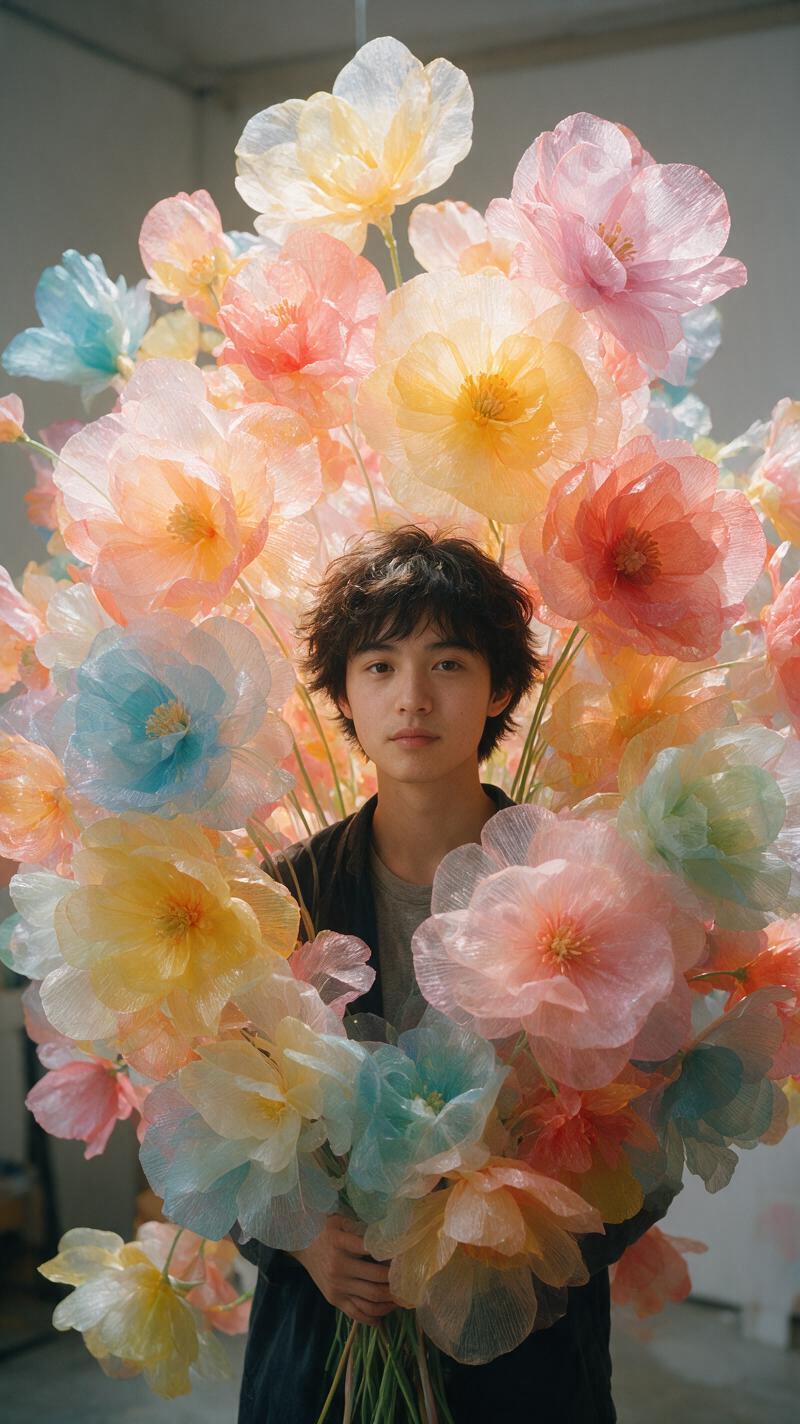
For the cleanest version, frame a chest-up portrait with two or three oversized flowers. Put one bloom slightly behind the shoulder and another near the edge of the face. The flowers should frame the subject, not cover them. Think of a magazine set built from colored card rather than a field of realistic botanicals.
Try this prompt direction: Turn this close portrait into a paper flower photo effect with oversized translucent paper petals, layered cut-paper edges, soft studio shadows, and a coral, peach, and cream palette. Keep the face, hair, and hands realistic. No text or logos.
Soft daylight or a window facing the subject works well. Avoid harsh light across the eyes because the paper layers will already create their own shadows. This style is a strong choice for a new profile photo, a beauty post, or a simple “hello, spring” story cover.
2. Friend-photo garden
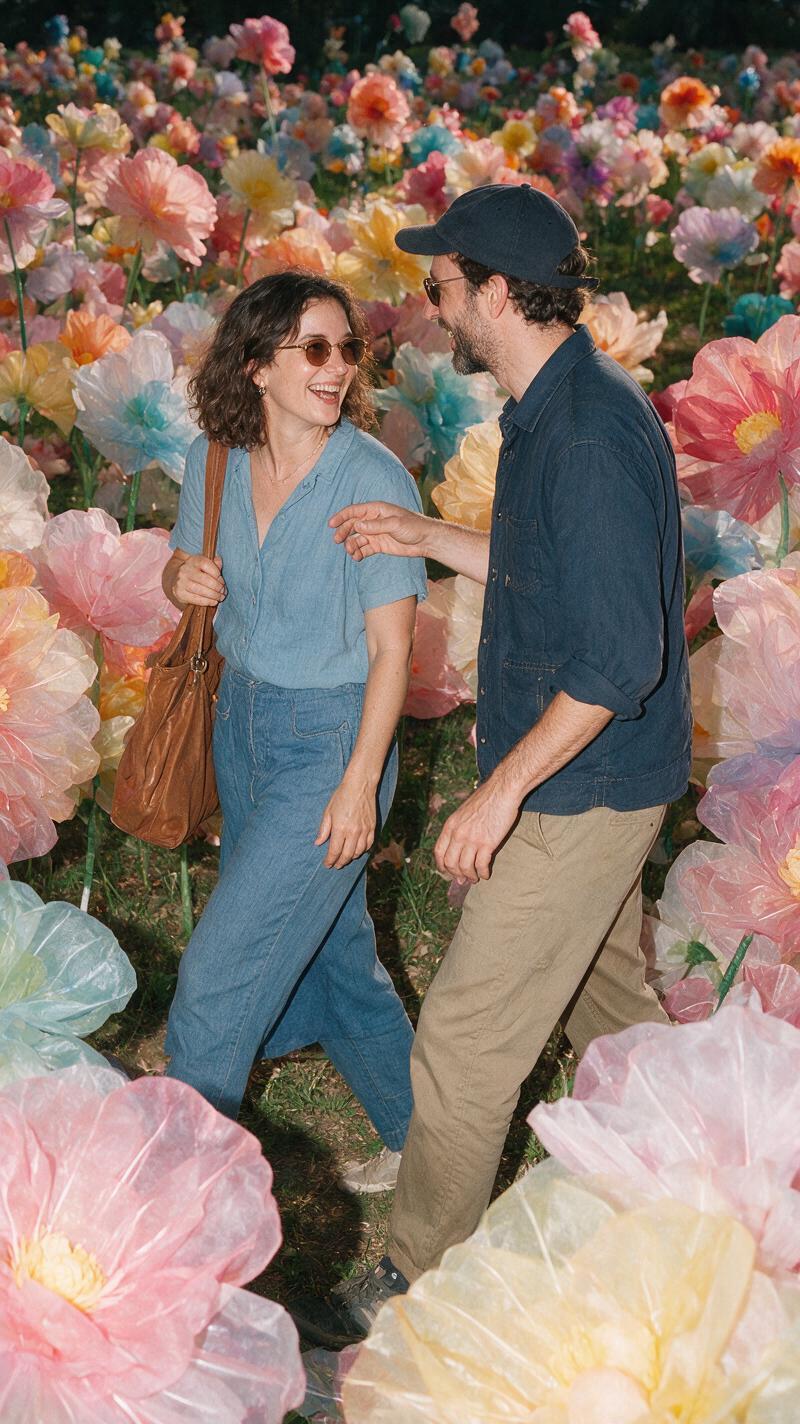
Group photos need a little more control. Two or three friends is the sweet spot. Stand close enough that the edit reads as one scene, but leave some space between faces. Ask everyone to look in a similar direction or share one simple action, such as holding hands or laughing toward the camera.
Try: Create a playful oversized paper flower garden around these friends. Use bold pink, sunflower yellow, and teal cut-paper blooms with visible layered edges. Preserve every face and outfit. Keep the setting bright, graphic, and handmade. No lettering.
Give the flowers a job. They can form an arch, sit at the feet, or peek from behind shoulders. Do not scatter them everywhere. A clear shape makes the final post look designed rather than accidental. This version is perfect for weekend recaps, best-friend birthdays, and invitations.
3. Neon flower studio
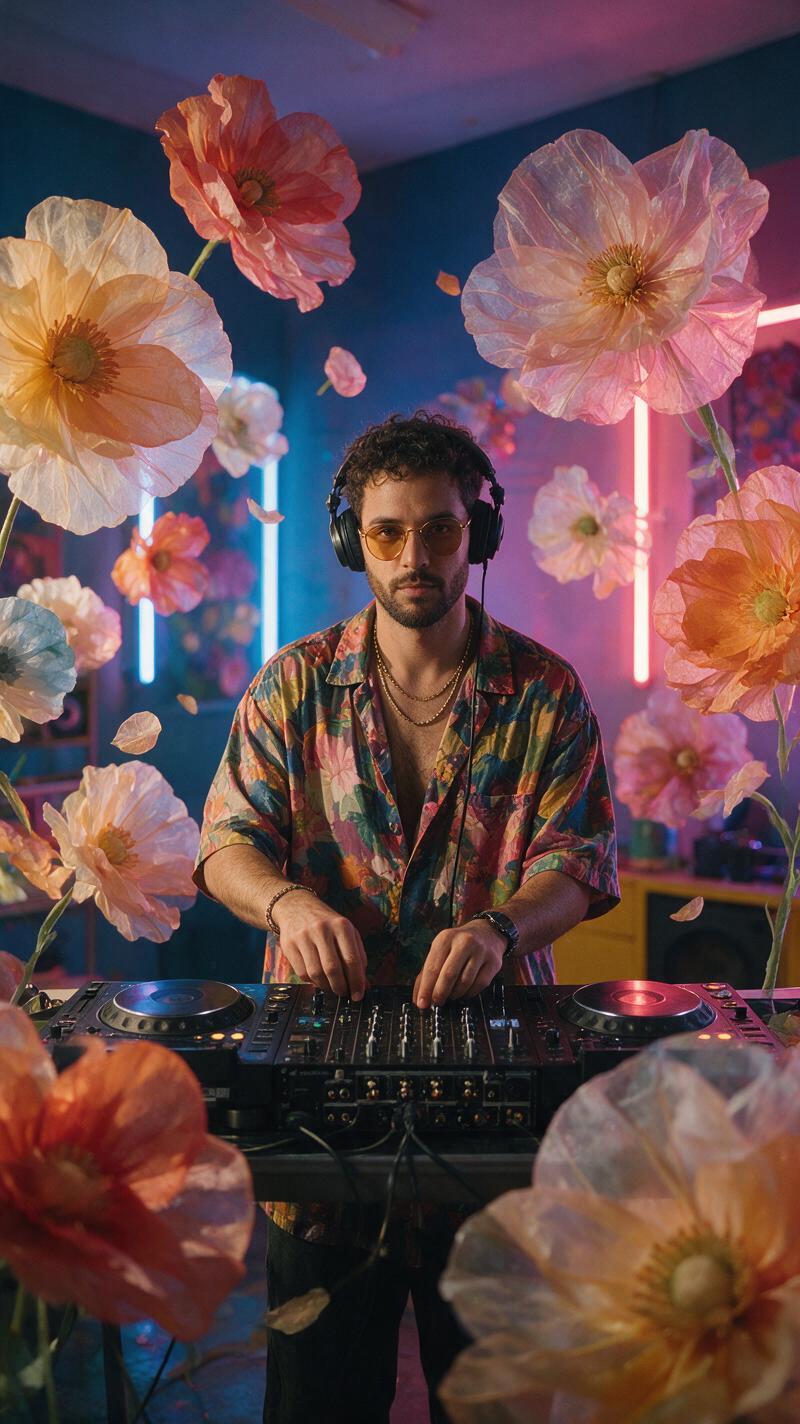
Paper flowers do not have to be pastel. A dark studio with electric violet, acid green, and bright orange blooms creates a great visual collision. It is especially useful for DJs, dancers, and anyone whose original image already has a confident pose.
Try: Transform this music portrait into a neon paper flower studio. Add oversized sculpted paper blooms in violet, orange, and lime, with crisp cut edges and dramatic colored light. Keep the subject realistic and sharp. Use a dark simple background. No text.
Keep the outfit fairly simple so it does not compete with the palette. A black jacket, plain tee, or single-color dress will let the flowers do the loud work. For a short video, start with the unedited portrait and reveal the neon petals one layer at a time on the first beat.
4. Flowers in motion
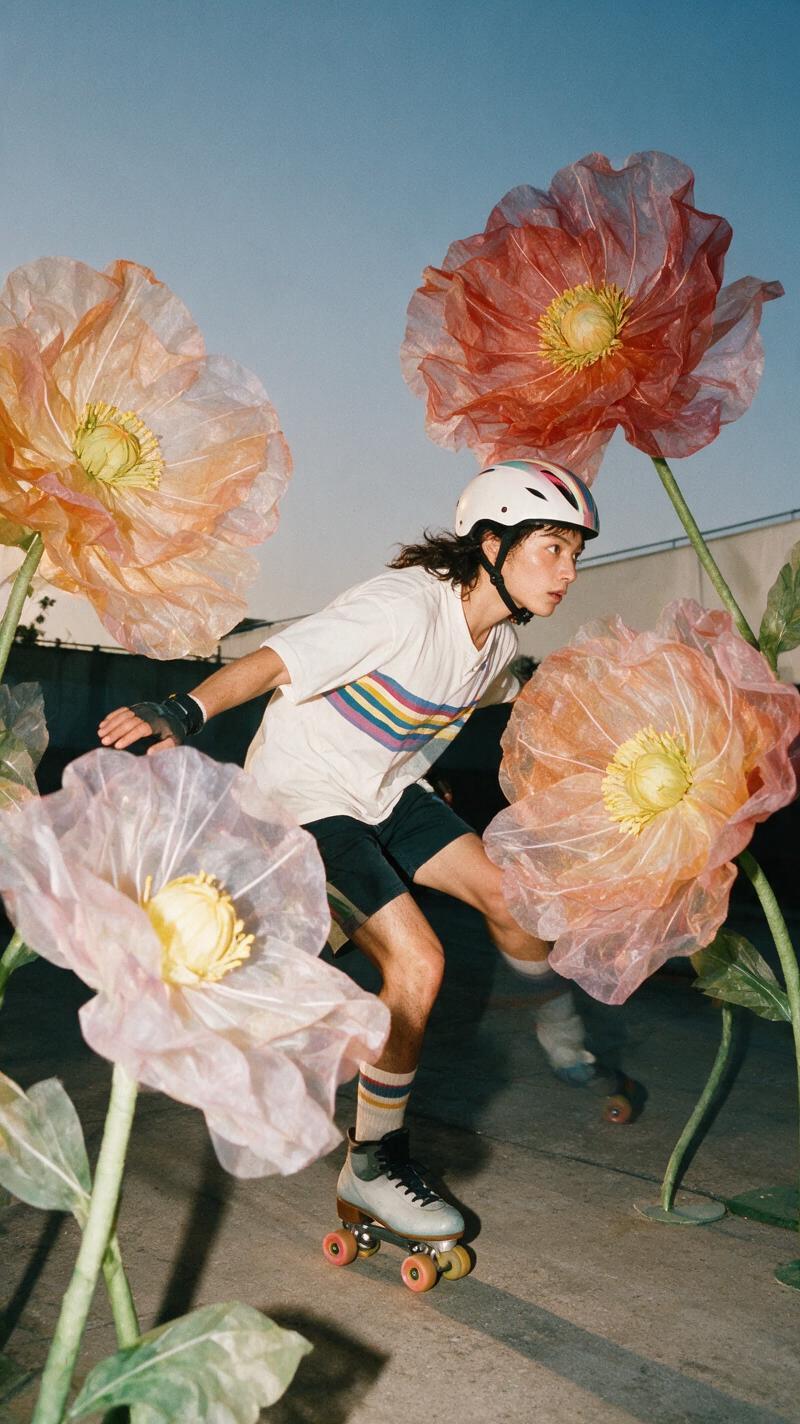
Movement gives the soft paper texture an unexpected edge. A skater rolling past camera, a dancer mid-turn, or a person tossing their jacket can all work. The important part is the silhouette. Shoot against a clean background so the flowers can arc around the motion without turning the whole image into visual noise.
Try: Make this action portrait a paper flower photo effect. Keep the body pose and face clear. Add giant layered paper flowers flowing around the movement, with soft cut-paper shadows and a bright sky-blue, red, and white palette. No text.
For a carousel, pair the original photo first with the paper version second. For a Reel, use a quick swipe or hand cover to switch between them. Let the movement happen safely in the original shoot; the flowers are the fantasy layer, not a reason to take risks.
How to get the paper flower photo effect
- Pick a bright portrait or action photo with one obvious subject.
- Choose a three-color palette before writing the prompt.
- Ask for oversized paper blooms, visible cut edges, layered petals, and soft shadows.
- Name the features that must stay real: face, hair, hands, clothing, and pose.
- Make a close crop for a profile and a wider version for a post or story cover.
A current image-generation model can help test structured art direction. The best result still begins with a simple composition and one memorable color story.
Find more visual ideas in the trending effects collection. If you want a graphic alternative with sharper edges, try the comic book photo effect.
Try this effect in Bloom AI
Recreate these looks on your own photos and videos – free to start.