
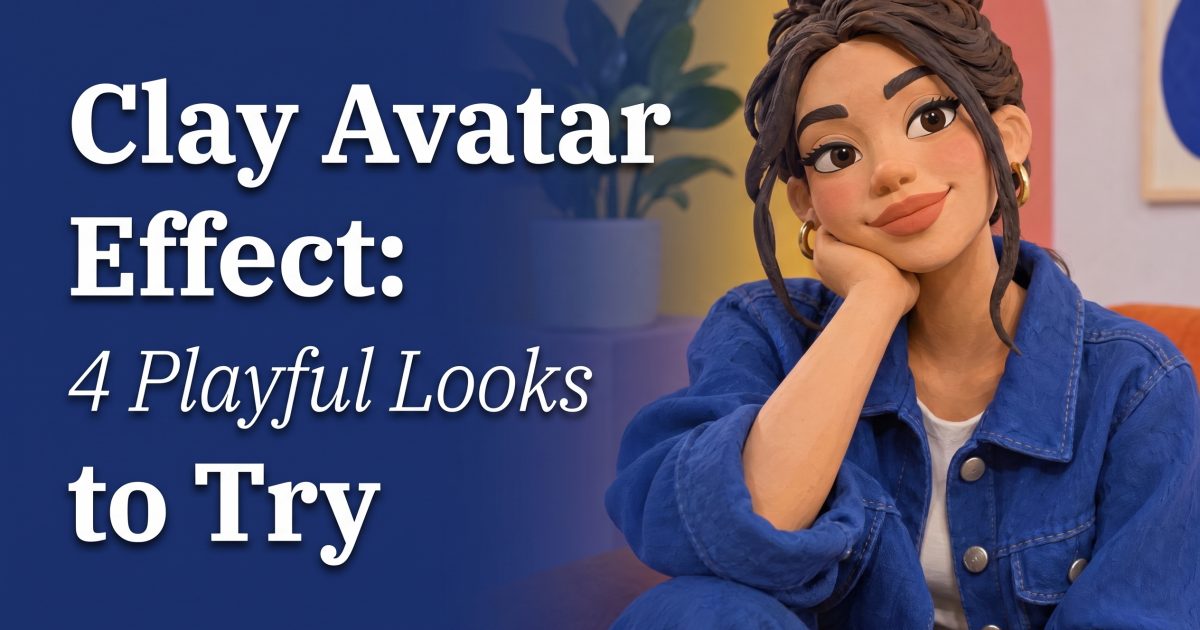
The clay avatar effect turns an ordinary selfie into something that looks pinched, sculpted, and ready for a stop-motion set. It has the charm of handmade plasticine, but the result still feels like a real post instead of a costume-party filter. That mix is why creators keep using it for profile refreshes, reaction shots, and little character moments.
Why the clay avatar effect feels so shareable
This look lands because it keeps one foot in reality. A jacket, hairstyle, grin, or skateboard pose still gives people something familiar. Then soft edges, tiny fingerprints, and molded highlights push it into a toy-like world. The best versions do not chase perfect skin or glossy 3D. They look touched by hand.
That is also what makes the clay avatar effect flexible. A close-up portrait can feel sweet and collectible. A full-body action shot can feel like a frame from a stop-motion short. Pick one clear mood before generating: playful, dreamy, sporty, spooky, or deliberately awkward.
How to make a clay avatar effect from a photo
- Start with a simple, bright photo. Face the camera or turn three-quarters toward it. Window light works well. Avoid sunglasses, crowded backgrounds, and heavy shadows that hide facial shape.
- Choose one material cue. Ask for polymer clay, plasticine, or hand-molded stop motion. Adding all three can make the result muddy. Polymer clay suits clean portraits; plasticine brings out thumbprints and playful lumps.
- Keep one real-world detail. Mention a denim jacket, a striped shirt, a favorite bag, or a recognizable hairstyle. That detail stops the image from becoming a generic doll.
- Set the scene. A pastel studio, miniature street, tiny bedroom, or sunset skate spot gives the figure a reason to exist. A blank background is fine for an avatar, but a small scene makes a feed post feel richer.
- Ask for no text. Skip signs, labels, and posters. They can pull attention away from the character and tend to look odd at phone size.
For a quick result, a text-to-image tool can build the whole scene. For a more personal version, use a clear selfie as the starting point and describe the material, pose, and setting. GPT Image 2.5 Sunburst Custom on Wiro supports both new image generation and edits, so it works for either route.
4 clay avatar effect prompts to copy
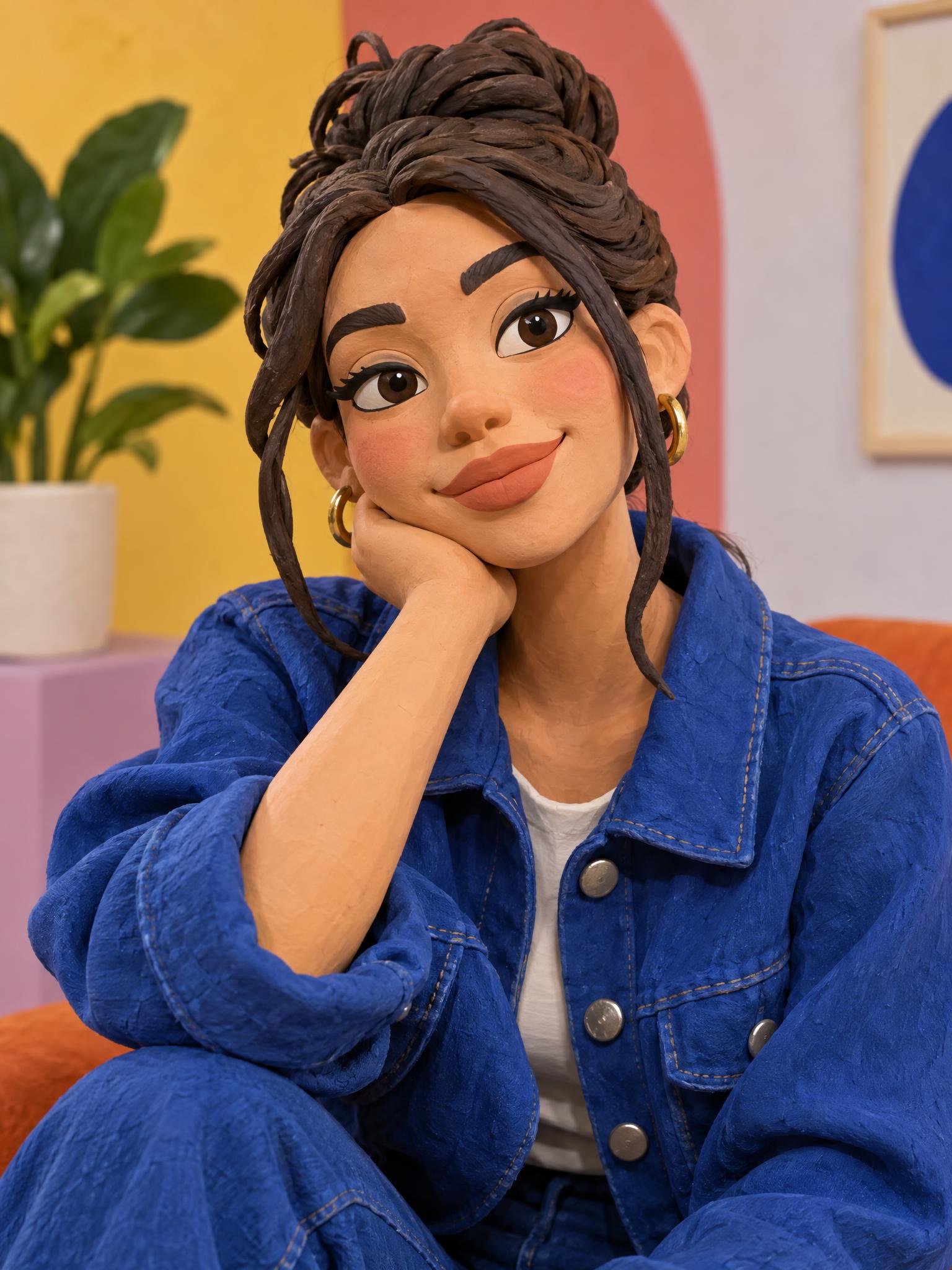
1. Clean profile portrait
Prompt: Handcrafted polymer clay avatar portrait of a person in a cobalt denim jacket, softly oversized sculpted facial features, subtle fingerprint texture, colorful studio backdrop, softbox light, no words, no logos.
Use this when the goal is a profile picture. Keep the background simple and let the face take up most of the frame.
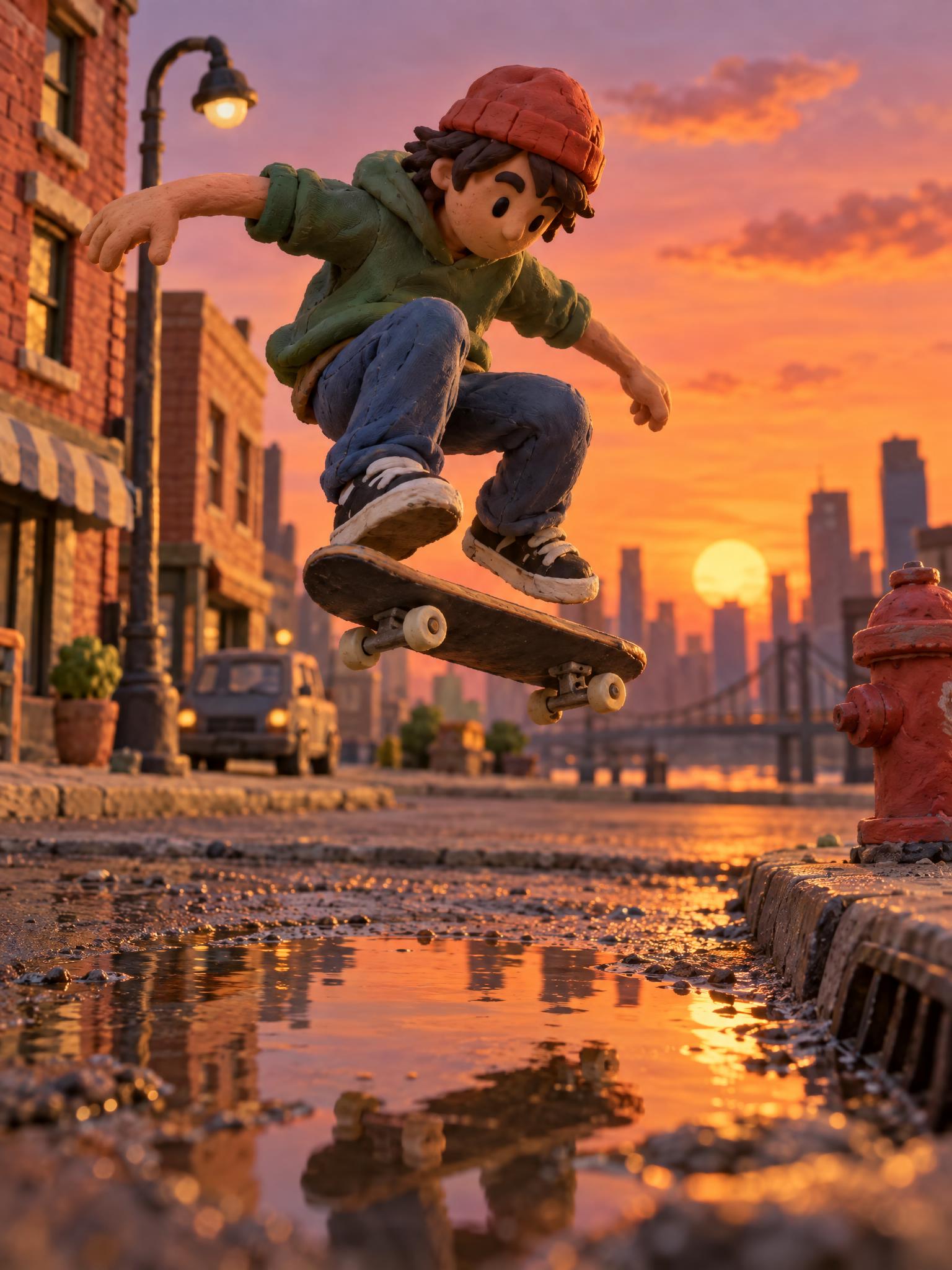
2. Stop-motion skate scene
Prompt: Full body clay avatar of a skateboarder doing an ollie over a puddle at sunset, handmade plasticine style, visible thumbprint texture, tiny city street set, dramatic warm light, dynamic motion, no words, no letters, no logos.
This version pushes the effect harder. It also tests whether the pose still reads when tiny sculpted details and motion enter the same image.
3. Cozy desk character
Prompt: Clay avatar sitting at a tiny messy desk with a matcha drink and sticker-covered laptop, handmade stop-motion set, warm lamp glow, rounded polymer clay details, shallow depth of field, no text, no logos.
Use a room prompt when a selfie needs more personality. One or two props are enough. Too many objects make the scene feel like a catalogue.
4. Slightly spooky seasonal look
Prompt: Playful clay avatar in a vintage cardigan holding a small glowing pumpkin, handmade plasticine texture, miniature autumn porch, moody blue evening light, charming not scary, no words, no logos.
Give the mood a boundary such as charming not scary. It keeps the expression and lighting on the right side of cute.
Production tips that make the post look better
Crop for the platform first. A tall 4:5 frame gives a character room to breathe in a feed. A square crop feels stronger for a profile photo. Keep the face away from the top edge so app buttons do not cover it.
Use one main color and one accent. Cobalt with peach, moss with cream, or red with pale blue all suit handmade clay. Random rainbow colors can flatten the material. Soft directional light helps too. It catches the rounded surfaces and makes the clay texture visible without turning it into noise.
Do not over-edit after generating. A little grain can support the stop-motion feel, but sharpness, skin smoothing, and heavy contrast erase the reason the effect works. The tiny imperfections are the point.
For a carousel, pair a close-up avatar with one full-body scene. The contrast gives viewers a reason to swipe. For a short video, animate only one small move: a blink, head tilt, or skateboard roll. Small movement makes the character feel intentional.
The clay avatar effect works best when it looks like a real person wandered into a miniature world. Keep the prompt specific, keep the scene simple, and let the handmade texture do the talking.
Try this effect in Bloom AI
Recreate these looks on your own photos and videos – free to start.