
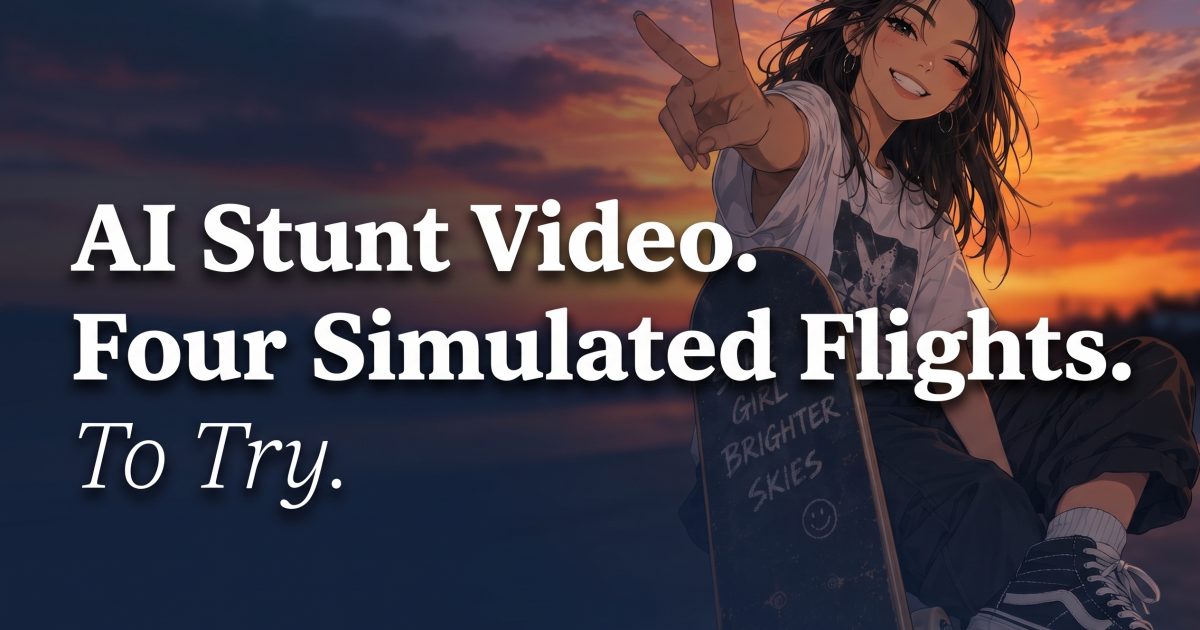
An AI stunt video is one of the easiest ways to turn a still portrait into a scroll-stopping Reel without asking anyone to do something dangerous. The new wave of short-form AI animation leans into impossible moments: a clean backflip, a dramatic sky, then a quick wave to camera. It is a visual gag, not a stunt tutorial.
That line matters. Keep the effect clearly fictional. The strongest clips look cinematic, but they do not pretend someone actually climbed onto an aircraft. Add a caption that says simulated or AI-made when posting. It keeps the joke fun and gives viewers the right context.
AI stunt video: 4 simulated flight looks to try
These four vertical videos were generated for this post from portrait references. Each one uses the same basic action, then changes the sky and setting to create a different kind of reveal.
Why an AI stunt video gets the pause
Short-form feeds reward an obvious visual turn. A still portrait becomes motion. A normal setting becomes a huge sky. That contrast gives people a reason to stop, then watch again to spot the transition. Current YouTube Shorts trend reporting still calls out viral animation, AI avatars, and quick visual formats as active styles. This effect fits that rhythm.
It also works without a complicated storyline. Five seconds is enough: face the camera, shift into the simulated scene, land the finish. Treat the first frame like a thumbnail. It should have a clear face and a readable pose before the action starts.
Choose a portrait that holds up in motion
Start with a sharp, front-facing photo. Keep shoulders and hands visible if possible. A busy crowd makes it harder for the animation to hold the subject together. Sunglasses can work, but strong glare may hide the eyes and make the first frame feel flat.
Clothing helps set the mood. A denim jacket or colorful streetwear suits a bright city scene. A plain shirt works well against cloud or mountain backdrops. The point is not realism. It is a clear subject against an intentionally unreal world.
Build a clean five-second sequence
Keep the action simple. Let the opening portrait hold for a beat, then move into the wide simulated-flight scene. The backflip should be the peak, not the entire clip. End on a wave, a grin, or a direct look at the camera. That final frame gives the video a natural loop point for Reels and Shorts.
Sound can be spare. A quick whoosh, a beat drop, or the original generated audio is enough. Do not crowd five seconds with narration. If text is needed, use one short label at the start: Simulated flight. It clarifies the premise before anyone mistakes the scene for real footage.
Post it with a reality check
Use words such as simulated, AI video, or fictional effect in the caption. Never frame this as a real flight, a real jump, or a challenge to copy. Avoid tags that could encourage risky behavior. The fun is seeing a familiar portrait enter a movie-scale scene, safely from a phone.
Try a simple caption: “Same selfie, impossible sky. Simulated AI video.” Let the clip do the work. One short line is enough.
For a quieter animation idea, see the AI avatar effects roundup. If a still image fits the moment better, explore four AI anime filter looks.
Try this effect in VideoMagic
Recreate these looks on your own photos and videos – free to start.




