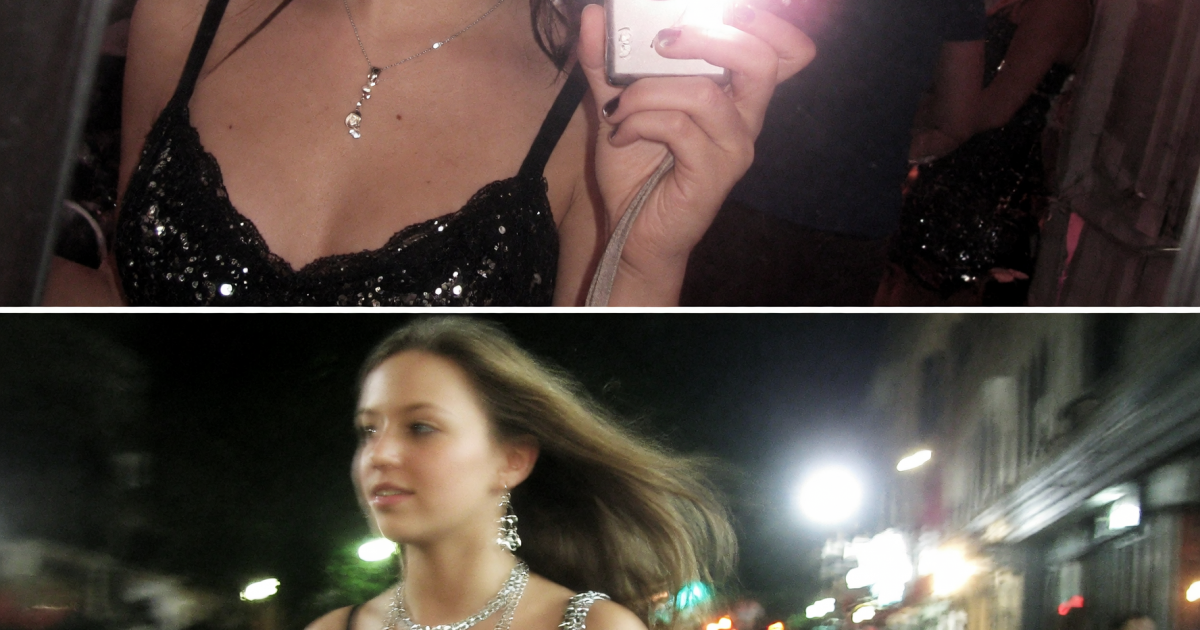
The AI flash filter brings back the late-2000s point-and-shoot look: blunt on-camera light, bright skin highlights, a faint pink cast, and a photo that feels caught rather than carefully posed. It works best when the image keeps a little messiness. A dark corner, a crowded mirror, or lights blown soft in the distance all help the final frame feel like a real night out.
This isn’t a beauty-filter look. The charm comes from contrast. Faces stay sharp, shadows fall quickly, and reflective details such as gloss, chrome, sequins, or a phone case catch the flash. Start with a clear portrait or a simple full-body photo, then build the scene around one strong flash hit.
Two AI flash filter looks to try
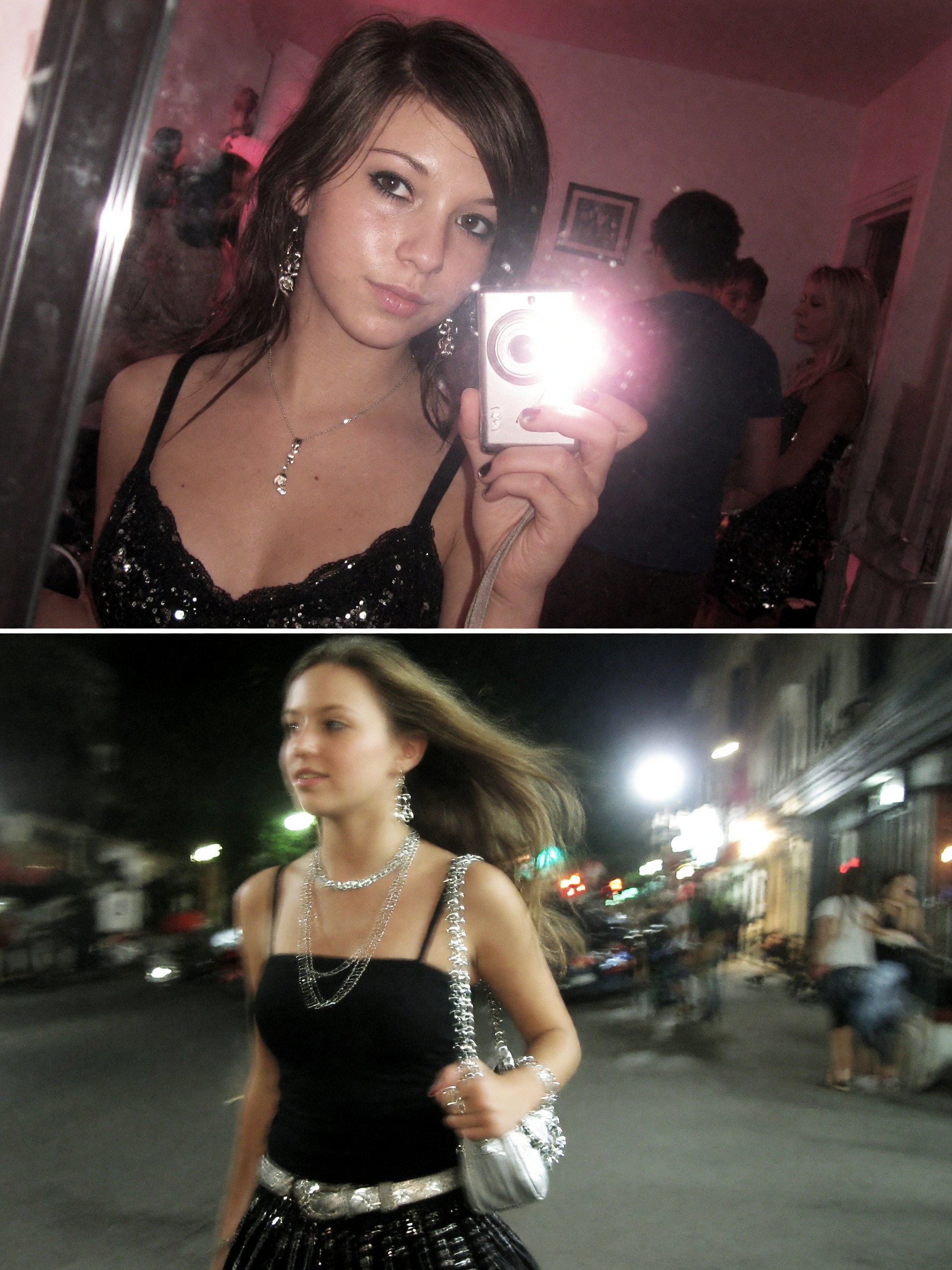
1. Point-and-shoot mirror selfie
Think bathroom mirror, bedroom doorway, or a narrow hallway before heading out. This version feels strongest with a close crop and something reflective in the frame. A plain wall is enough. The flash needs room to bounce off the mirror, jewelry, or a glossy bag.
For the source photo, keep the face visible and avoid a heavily blurred selfie. Wear one detail that reads under hard light: silver hoops, a patent jacket, lip gloss, rhinestones, or a bright shoulder strap. Hold the phone slightly low or off to one side. A rigid, centered pose can make the result look too polished.
Use this prompt: “Late-2000s compact-camera mirror selfie in a small apartment hallway, direct harsh flash reflected in the mirror, close crop, pink-tinted white balance, shiny lip gloss, silver jewelry, slight grain, imperfect candid pose, dark edges.” If the first result looks too clean, add “minor red-eye glow, clipped highlight on forehead, casual snapshot.” If it becomes messy in the wrong places, remove the red-eye request and ask for a sharper face.
Keep the background simple. Too many objects compete with the flash and turn the image into a collage. For a party invite, a getting-ready Story, or an outfit reveal, crop vertically and leave a little empty wall above the head for text. A short date stamp or a tiny location label works better than a large caption.
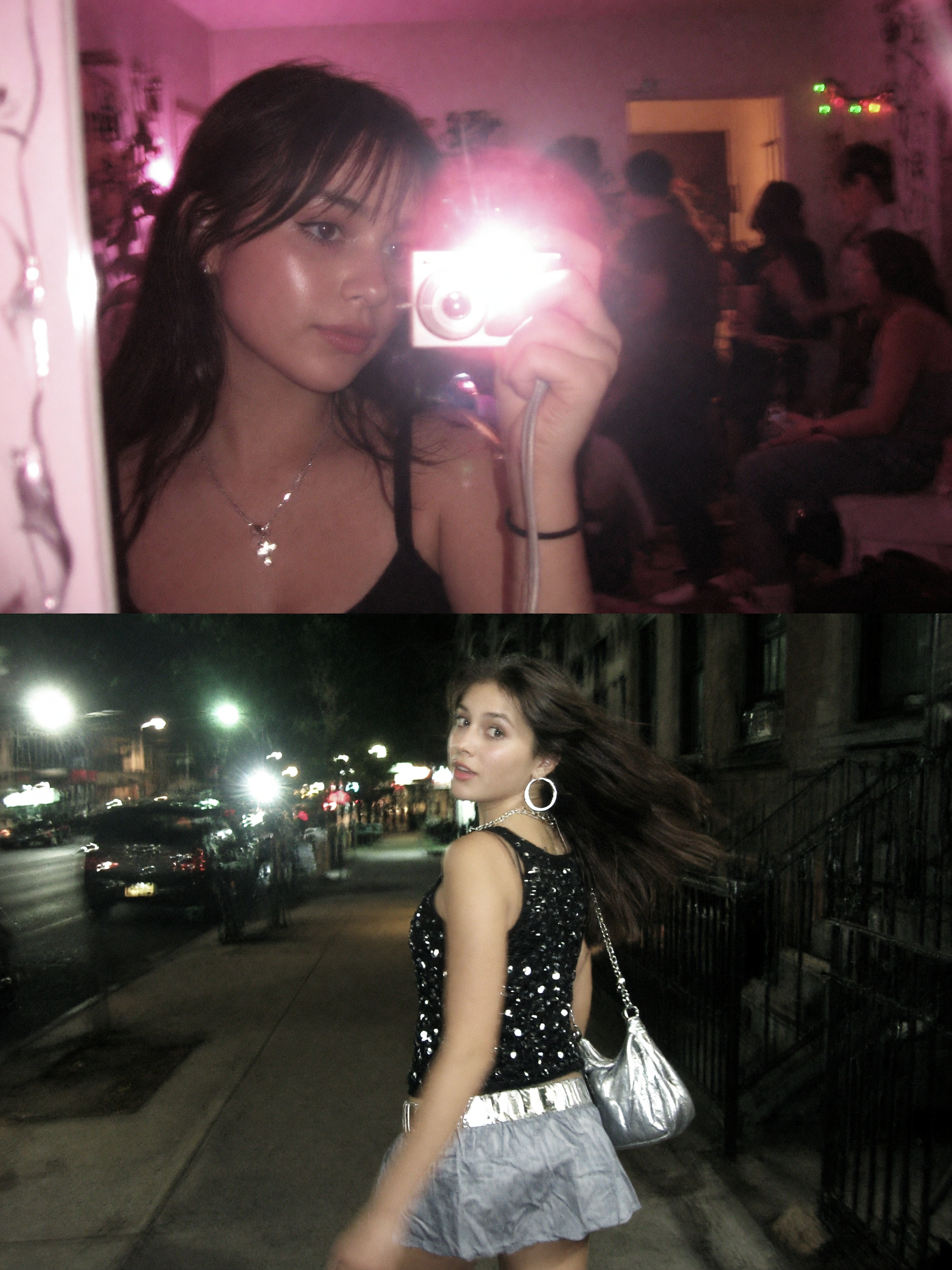
2. After-dark street shot
The street version swaps the mirror for movement. Picture a corner store, a club queue, a taxi line, or a wet sidewalk after dark. The flash freezes the subject while signs and headlights soften behind them. That split between a crisp face and a loose background is the whole look.
Begin with a source photo where the person stands apart from the background. A three-quarter angle helps, especially for a jacket or outfit shot. Ask for a dark scene with two or three light sources, not a wall of neon. One storefront, passing headlights, and a distant sign are usually enough.
Try: “Candid night street portrait outside a corner store, late-2000s digital point-and-shoot camera, direct frontal flash, subject sharply frozen, distant traffic lights blurred, wet pavement reflection, black leather jacket, slight motion in the background, warm pink color cast, natural skin texture.” For a more chaotic club-exit frame, add “friends cropped at the edge of the photo” and “slightly tilted camera angle.”
Save the strongest version for a feed carousel, a concert recap, or a night-out outfit post. For video covers, choose a frame with a clear silhouette and bright flash on the face. Avoid asking for brand logos or readable shop signs. They can pull attention from the person and often make the background look less believable.
How to make the AI flash filter look intentional
Use a 3:4 or 9:16 crop for a phone-first result. Put the subject close to the camera, then leave the city lights or mirror edge behind them. Direct flash looks best against a darker setting, so don’t ask for a bright daytime location. The contrast is what sells the effect.
Choose one mood before writing the prompt. Pink and silver feels like a bedroom mirror shot. Amber streetlights and wet pavement feel more cinematic. White flash, black clothing, and a slight camera tilt lean into indie sleaze. Keep the rest of the prompt practical: location, wardrobe detail, camera behavior, and color. Too many style labels can flatten the result into a generic retro image.
Make small edits one at a time. First fix the framing. Then adjust the flash strength. Finally tune color and grain. That order gives more control than rewriting everything after every attempt. An image tool such as Grok Imagine Image V2 can generate or restyle a photo, but the prompt still needs a clear subject and setting.
Before posting, check three details: the eyes should stay sharp, the flash should land on the face or torso, and the background should remain darker than the subject. If all three hold, the photo reads as a compact-camera memory instead of a studio edit.
Try this effect in Bloom AI
Recreate these looks on your own photos and videos – free to start.