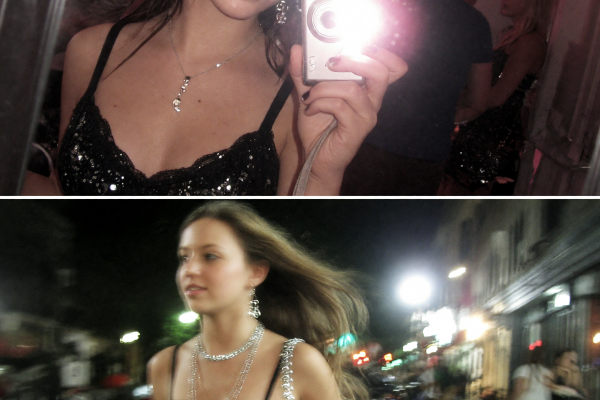
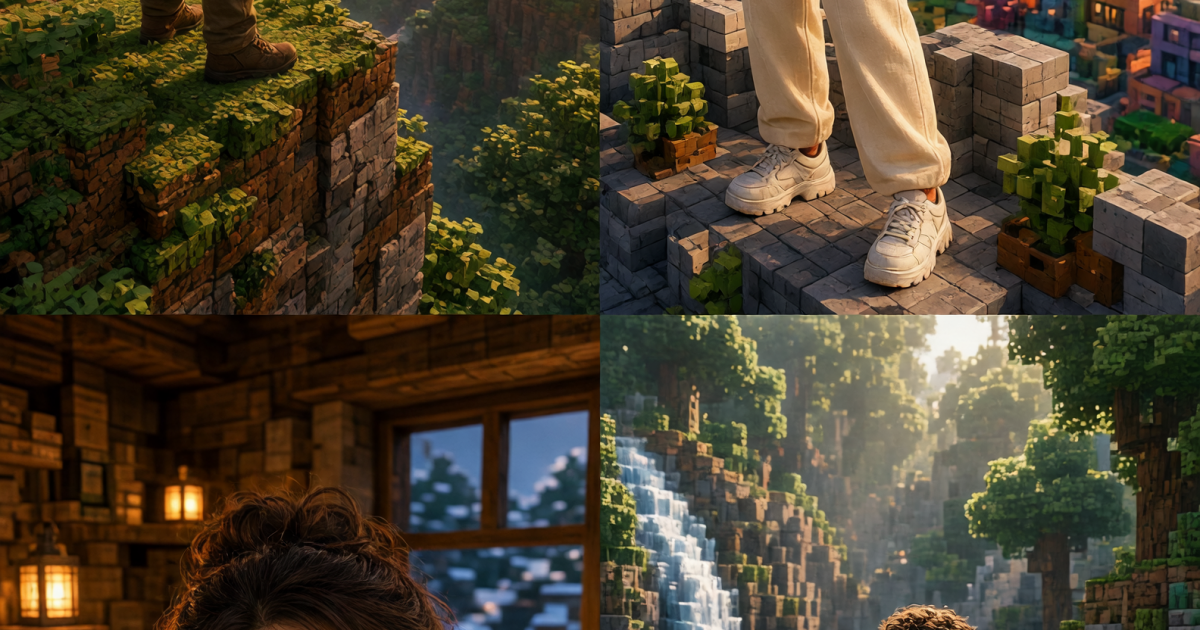
The Minecraft photo trend has moved from game screens to creator feeds. A single selfie can become a bright block-world scene for a Reel cover, profile update, or carousel opener. The best versions keep the person recognizable, then give them one place worth exploring.
Think less like a game screenshot and more like a tiny adventure poster. Strong shapes read well on a phone. A clear face, a bold horizon, and a controlled color palette do more than a screen packed with props. Minecraft itself has always made room for personal builds and texture changes; this photo trend borrows that playful visual language for portraits.
Why the Minecraft photo trend works
The effect lands when the portrait has a point of view. Choose a location first: a cliff, rooftop, cabin, or trail. Then choose one mood word such as sunny, neon, cozy, or misty. That decision guides the lighting, clothing, and background instead of leaving the image to guess.
Keep the subject larger than the nearest blocks. A chest-up crop works well for profile photos; a three-quarter pose gives more room for a dramatic setting. If the source photo has flat light, ask for a clear direction such as warm sunrise from the left or blue window light from the right. Directional light stops the person from looking pasted into the scene.
The official Minecraft world is built around simple materials and readable forms. Use that as a styling rule. Pick two main colors plus one accent, and leave quiet areas of sky, water, or wall around the face. Tiny details can look muddy after a social app crops the image.
4 Minecraft photo trend looks to try
1. Forest cliff at sunrise
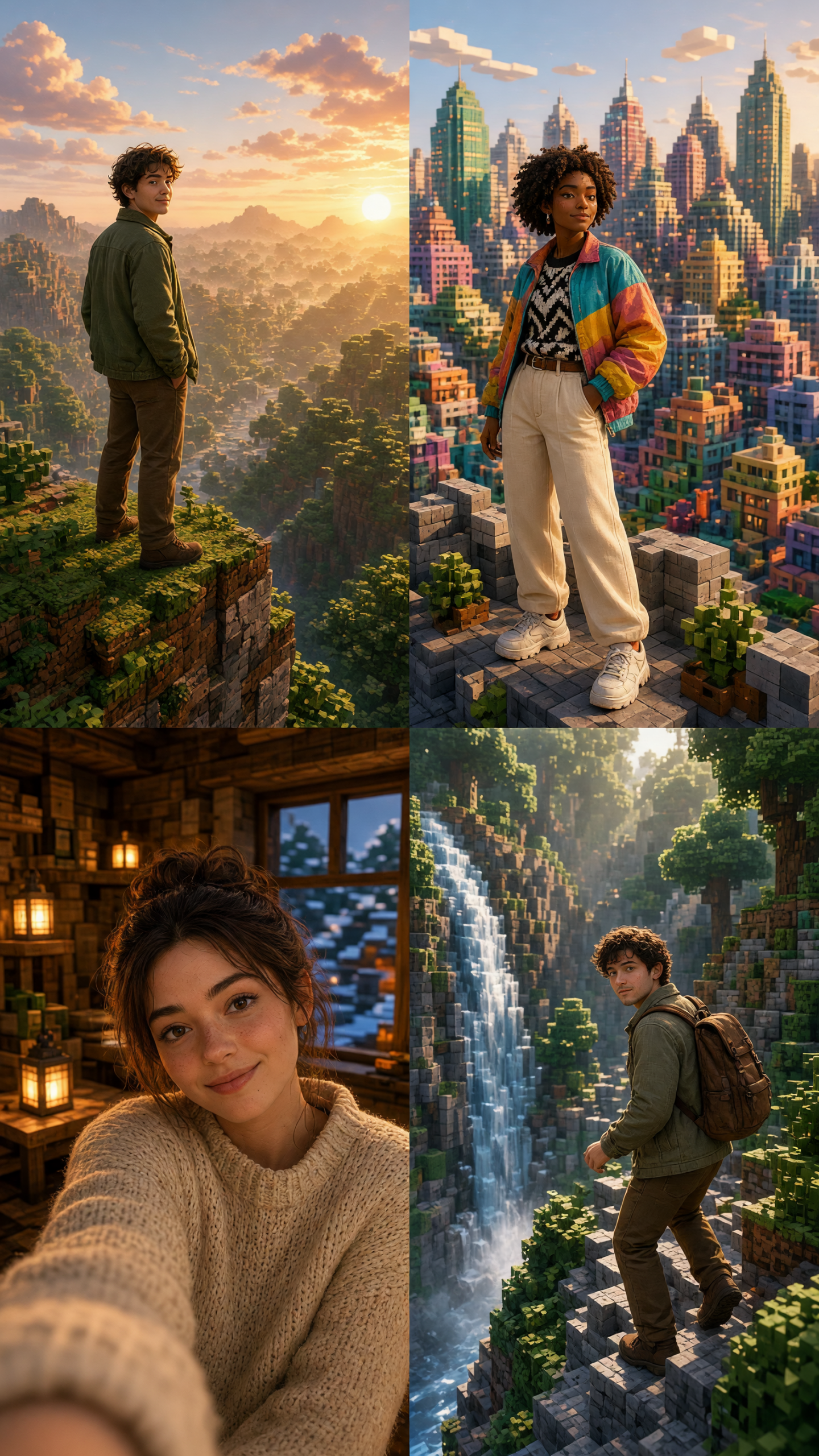
This is the cinematic option. It suits travel recaps, gaming profiles, and a first slide that needs to stop the scroll. Wear a jacket, hoodie, or plain tee with a color that separates from the trees. Dark navy, cream, and rust all hold up against green blocks.
How to make it: Start with a photo taken near a window or outdoors. Keep the shoulders turned slightly toward the light. Build the scene around a high cliff, layered pine trees, and a low sun. Leave open sky above one side of the frame if text will be added later.
Example prompt: “Turn this portrait into a block-world forest cliff at sunrise, keep the face recognizable, warm low sunlight from the left, layered pine trees, wide orange sky, cinematic portrait composition.” For a Story, ask for a 9:16 crop and place the subject in the lower third. Avoid a busy backpack or patterned shirt; both compete with the landscape.
2. Color-block city roof
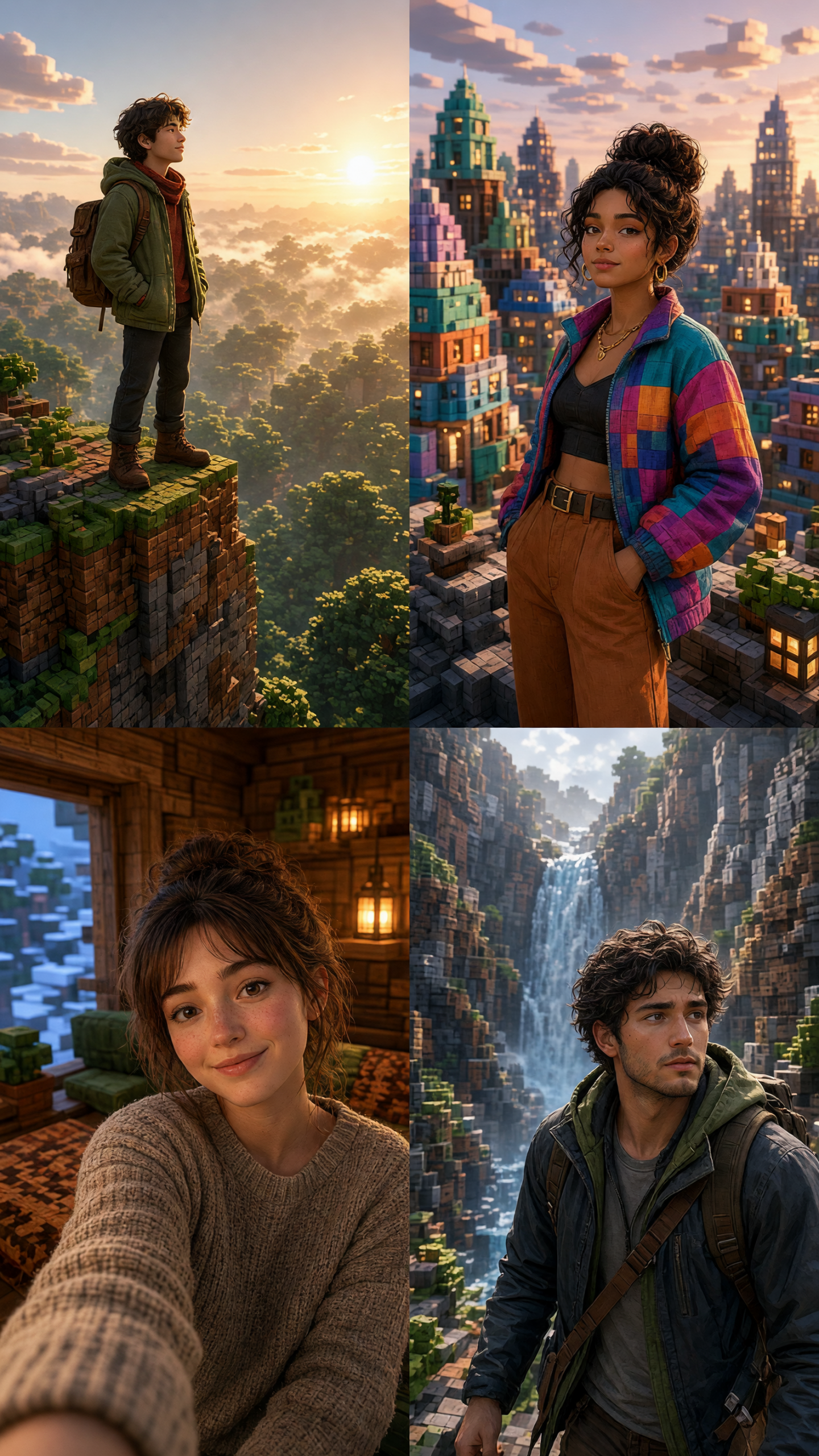
A block city makes the outfit part of the picture. Try it with a bright jacket, sneakers, or a clean monochrome look. This version works for a carousel opener, a music playlist cover, or an announcement post because the skyline leaves room for a short headline.
How to make it: Use a photo with a confident standing pose. Ask for a rooftop ledge, glowing square windows, and one dominant sky color. Blue-violet twilight feels polished; pink sunset makes it more playful. Keep the building heights uneven so the skyline has depth without becoming cluttered.
Example prompt: “Restyle this photo as a colorful block-world city rooftop at blue hour, preserve the face and outfit, glowing square windows, deep violet sky, clean skyline, social carousel cover.” Match a carousel by reusing the same sky color in the next two slides. Crop closer for a profile picture, but keep the skyline visible for a feed post.
3. Cozy cabin window
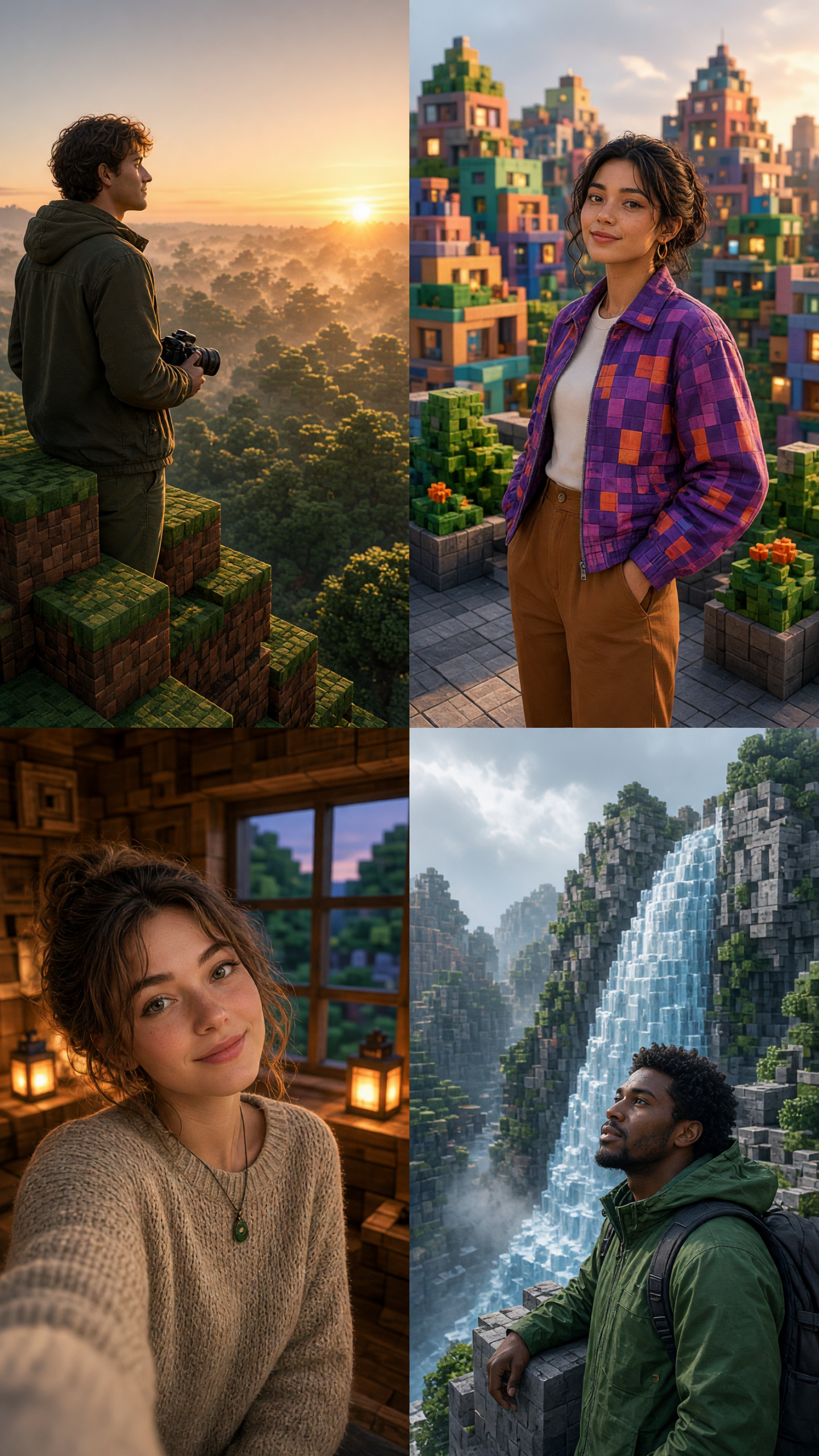
This quieter look feels personal. It fits autumn posts, bookish mood boards, birthday messages, and a softer profile refresh. A close crop works best because the warm window light should reach the face, not sit somewhere far behind it.
How to make it: Choose a selfie with a relaxed expression. Build a wood-block cabin wall, one glowing window, and a small lantern. Use amber light inside and cool blue outside for contrast. A knit texture, denim jacket, or simple sweatshirt adds warmth without looking like a costume.
Example prompt: “Make this a cozy block-world cabin portrait, preserve facial features, warm lantern and window light, wood-block wall, cool evening outside, close crop, soft autumn mood.” For a more seasonal version, add falling square leaves. Skip extra furniture. One window and one light source are enough to tell the story.
4. Waterfall trail
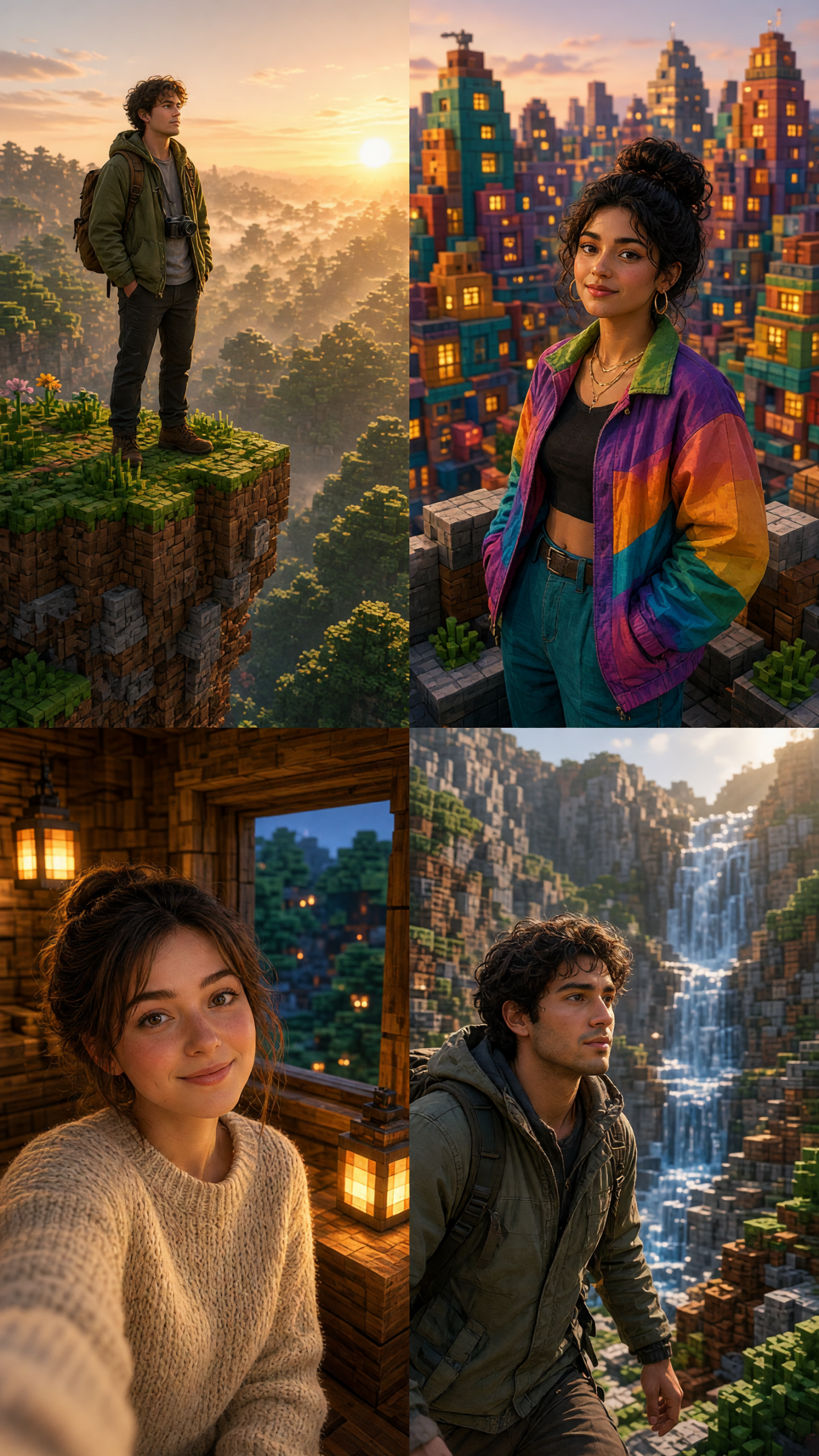
Use the waterfall scene when the post needs motion. It works for outdoor clips, weekend recaps, and a Reels cover that will later turn into a slow camera push. The falling water gives the frame a clear vertical line, while foreground rocks add depth.
How to make it: Pick a full or half-body photo with a little space around the arms. Ask for the person on a trail, a tall waterfall behind them, and two layers of rocks or plants in front. Make the water bright enough to read on a small screen, but keep the face warmer than the background.
Example prompt: “Place this portrait on a dramatic block-world waterfall trail, keep the person recognizable, tall bright waterfall, mossy cubic rocks in the foreground, sunlit mist, room above for a Reels title.” For video, start from the finished still and add a gentle forward camera move, drifting mist, or a few floating particles. Fast cuts can make the block shapes flicker.
Finishing the Minecraft photo trend
Use a sharp, well-lit source image. Faces with harsh shadows, sunglasses, or hands across the mouth are harder to keep consistent. If the first result changes the face too much, simplify the instruction and ask to preserve facial features, hair shape, and pose before adding more scenery.
Make two crops from the same look. Save a 9:16 version for Stories and Reels, then a 4:5 or square version for the feed. Keep the palette fixed across a set of images. A forest cliff, cabin, and waterfall can all share warm orange light, while the city version can become a separate neon series.
These examples use Grok Imagine Image V2 for the image restyle. The scene brief matters more than the tool name: one location, one lighting choice, and a pose that still reads after the crop.
Try this effect in Bloom AI
Recreate these looks on your own photos and videos – free to start.