
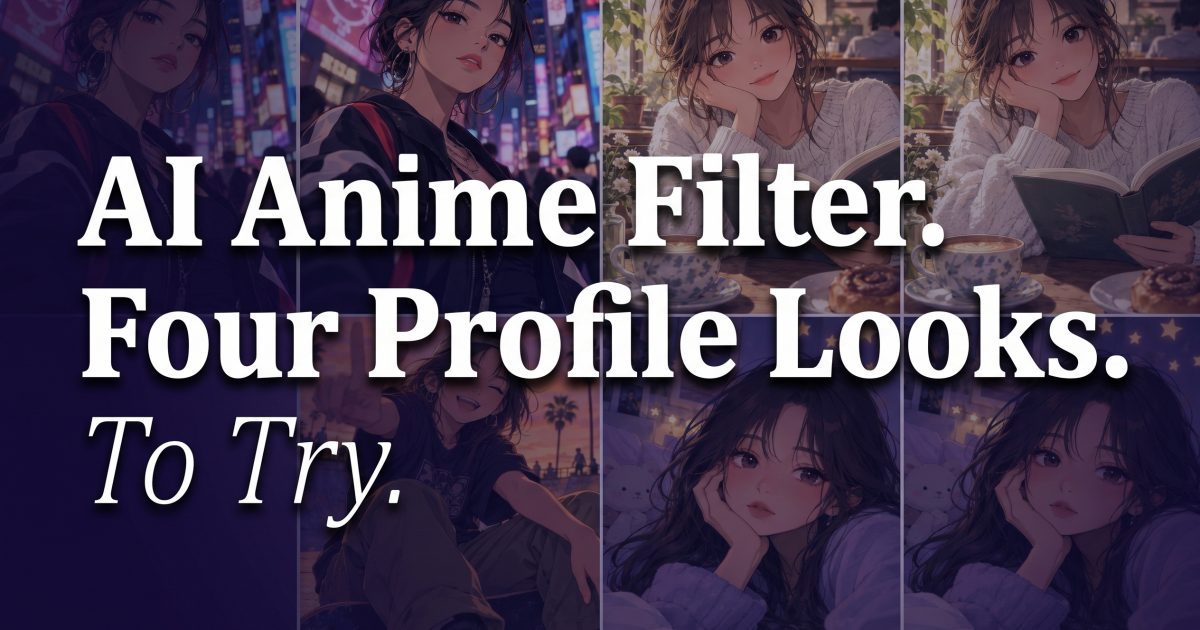
The AI anime filter gives an everyday portrait a new character without hiding the person in it. The strongest versions keep a familiar hairstyle, expression, or jacket, then shift the light, line work, and setting around it. That makes the image feel ready for a profile photo instead of like a generic cartoon sticker.
Start with one clear chest-up photo. Pick the look before editing, then give the image a single story: a rainy neon walk, a quiet cafe break, a skate session at golden hour, or a bedroom daydream. Small decisions make the result feel intentional.
AI anime filter: 4 profile-picture looks to try
Each look below takes a different route. Use the prompt as a brief, not a rigid recipe. Keep the face, pose, and one personal detail from the original photo. Then let the background and color palette do the dramatic work.
1. Neon city portrait
Neon works when the profile needs confidence. Think electric blue, magenta reflections, and a dark street with enough empty space around the face. It suits music accounts, gaming profiles, night-out recaps, and any feed that already leans high contrast.
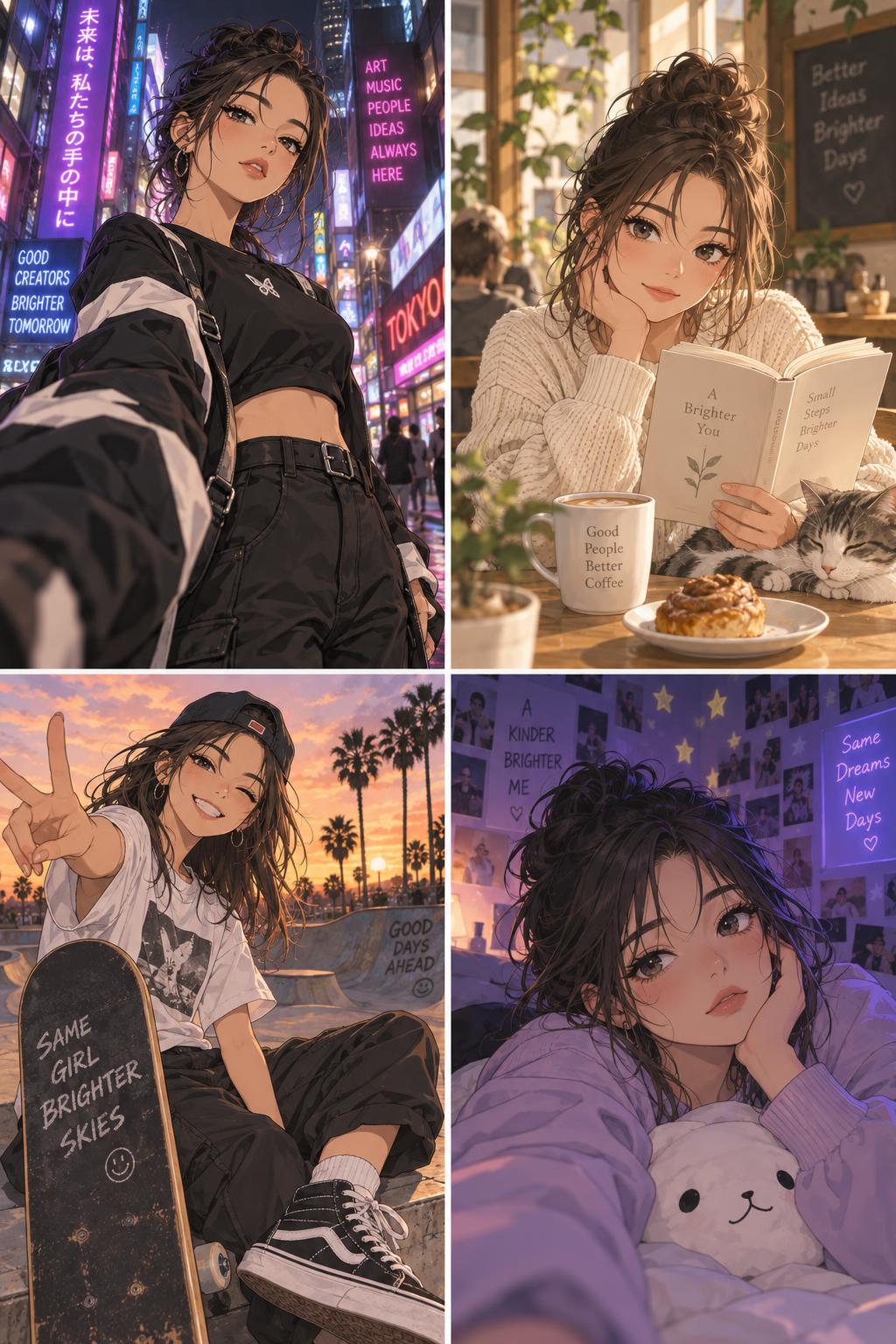
Use a photo facing the camera or turned slightly toward one light source. Ask for: anime portrait, rainy neon side street, blue and pink shop signs reflected on pavement, crisp ink outlines, black bomber jacket, confident calm expression, cinematic close-up. Keep the signs abstract. Tiny generated lettering can distract, especially in a small avatar crop.
After the edit, crop from the chest up and check the circle preview on the platform where it will live. If the background takes over, tighten the crop rather than adding more effects. A simple black top or jacket helps the neon colors stay readable.
2. Soft cafe illustration
This is the quieter option. Warm window light, a cream or brown palette, and a small real-world prop make it feel personal. It fits bookish accounts, study content, food diaries, and a profile that needs a friendly first impression.
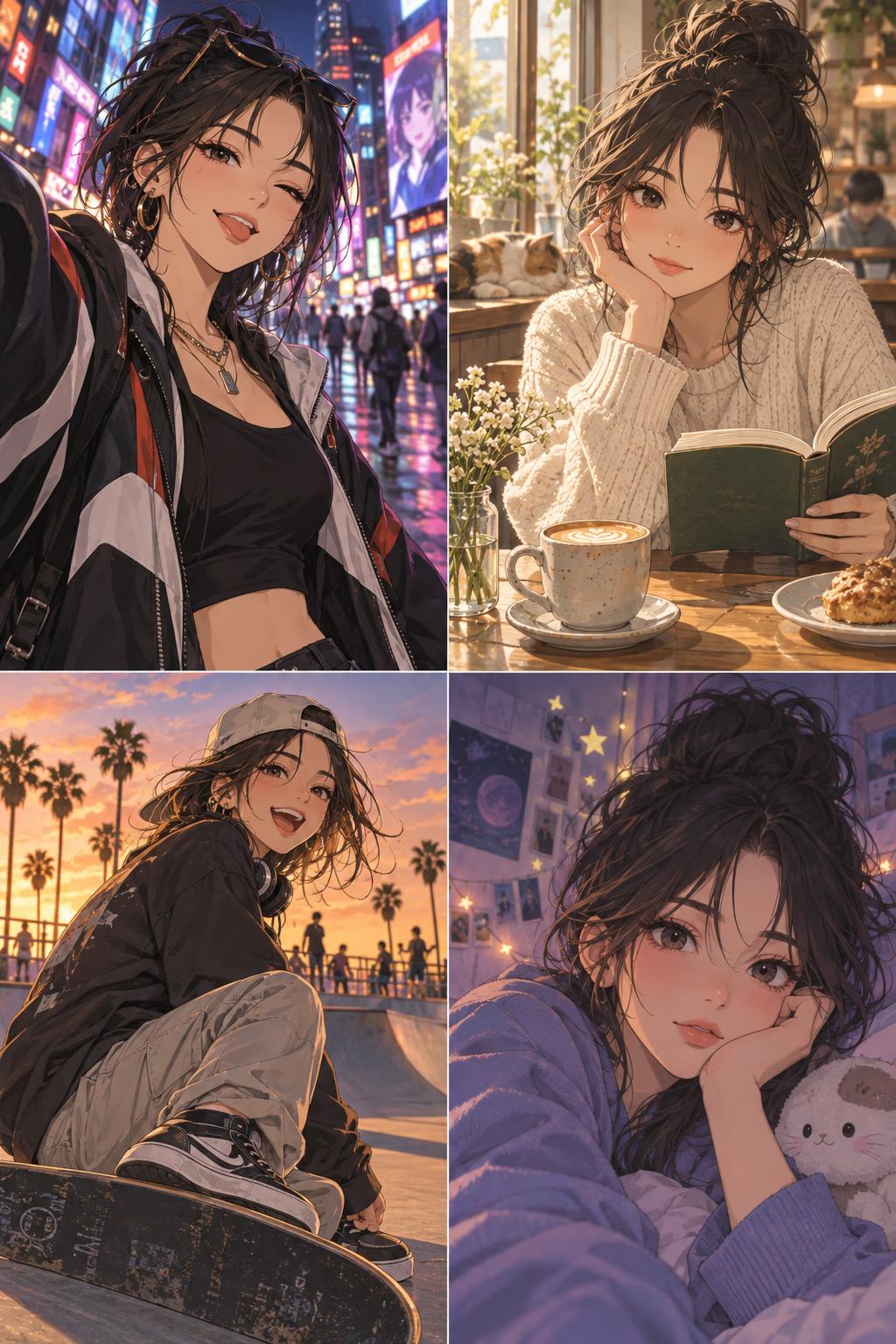
Pick an image with relaxed shoulders and visible eyes. Try: soft anime cafe portrait, late-afternoon window light, warm wood table, ceramic mug, gentle watercolor texture, tidy hair, cream cardigan, close framing. Swap in one item that belongs to the subject, such as a silver clip, tote bag, or favorite mug. That detail stops the image from feeling borrowed.
Keep makeup and skin texture understated for this look. Heavy gloss or dramatic lashes can clash with the soft palette. A pale background works better than busy cafe shelves, since profile thumbnails lose fine detail quickly.
3. Sunset skate opening scene
A low camera angle and one bit of movement turn a simple outdoor photo into an anime opening-scene frame. This look has more energy than the cafe version but still keeps the person believable. Use it for skate, streetwear, dance, or travel profiles.
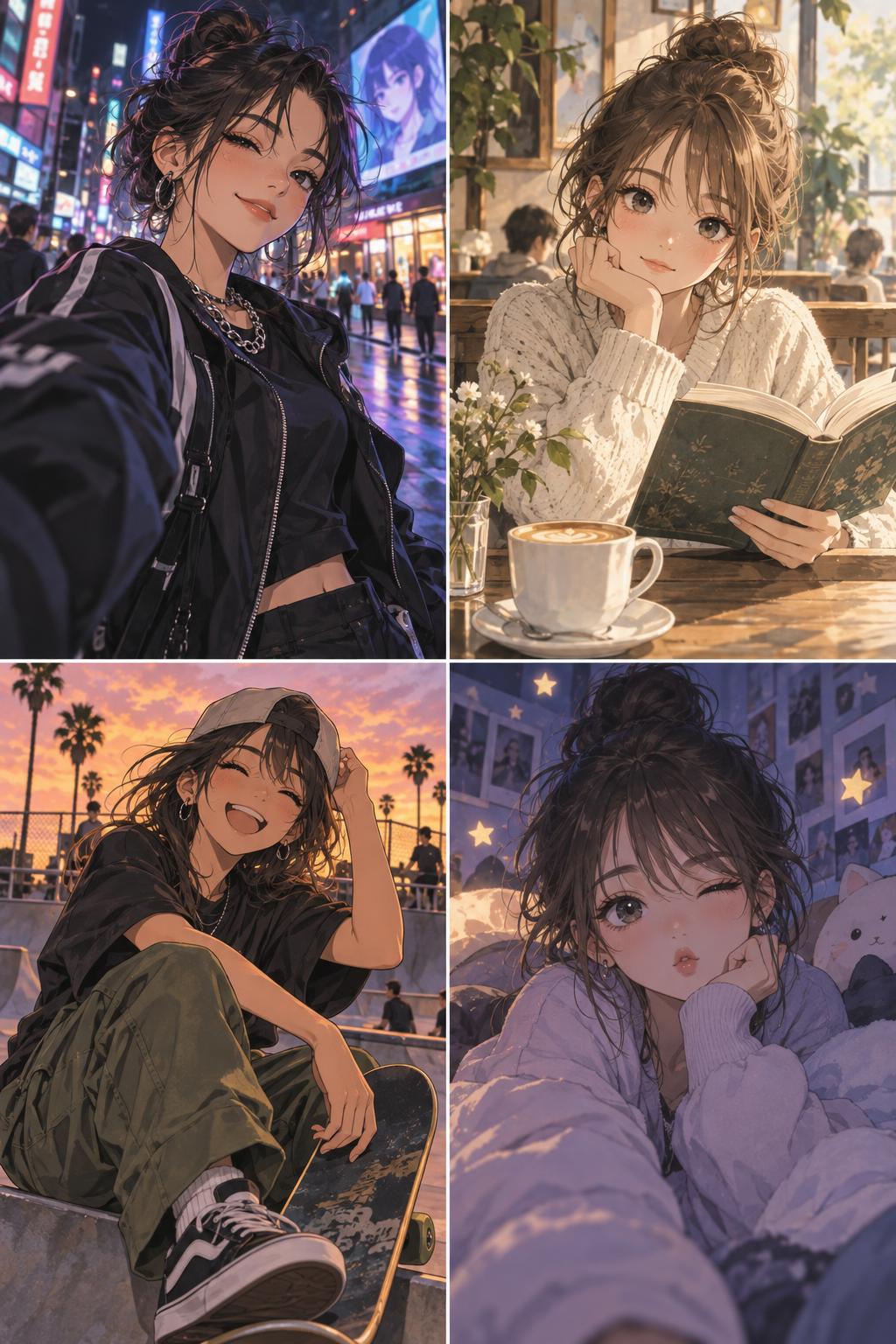
Begin with a shot that already has a prop or an active pose. Use: dynamic anime skate portrait at sunset, low-angle camera, orange sky, wind moving jacket, skateboard under one arm, expressive cel shading, city park background. If there is no skateboard in the original, choose another object that matches the person: headphones, a camera, or a bike helmet.
Don’t ask for five action effects at once. One wind cue, a tilted horizon, and warm light are enough. For a profile photo, use the still image. For a Story cover or Reel thumbnail, leave extra sky at the top so a short caption has somewhere to sit.
4. Dreamy bedroom close-up
This version feels playful without becoming noisy. A soft lamp glow, subtle star motifs, and a close crop work well for casual accounts, private group avatars, and mood-board style posts. It is also the easiest look to make from a plain indoor selfie.
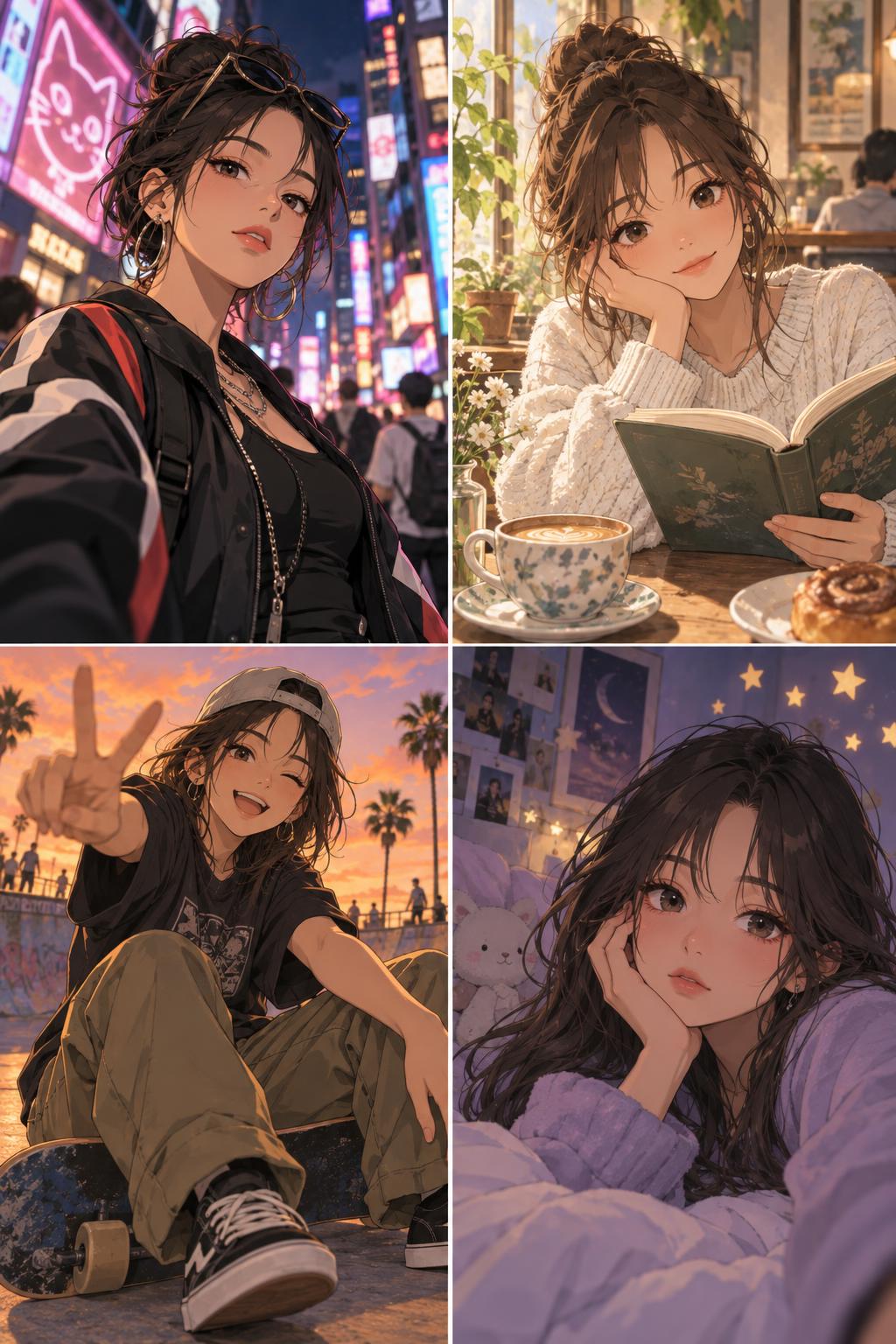
Try: dreamy anime bedroom portrait, soft bedside lamp, lavender shadows, tiny hand-drawn star accents, cozy sweatshirt, gentle blush, clean close-up composition. Ask for a few stars, not a sky full of stickers. One accent near the hair and one near the shoulder reads clearly; too many turn into visual clutter.
Pastel shades are a good match here, but make sure the hair still separates from the wall. A darker pillow, headboard, or curtain behind the subject gives the face a clean edge. This is a useful fix when the original room has flat white lighting.
How to make an AI anime filter look like you
Use a photo with one clear face, visible eyes, and light that does not cut hard across the nose or chin. Avoid group shots and extreme wide-angle selfies. The edit has less guessing to do when the subject is obvious. A chest-up photo usually gives the cleanest result.
Keep two anchors from real life: hair shape and one accessory work well. A fringe, glasses, necklace, or recognizable jacket makes the image easier to connect to the person behind the profile. Change the environment freely, but do not change every feature at once.
Before posting, inspect hands, earrings, and any small printed detail. If one area looks strange, crop it out or rerun with a shorter prompt. Short prompts often give the editor more room to preserve the original portrait. TikTok’s Newsroom regularly spotlights creator-led visual storytelling, which is a useful reminder that the image still needs a clear personality at a glance.
Where each look works best
Use neon city for a bold public profile, a music playlist cover, or a gaming handle. Pick soft cafe for a bio photo, book-club chat, or study account. Sunset skate works best as a Reel cover, a travel highlight, or a streetwear mood post. Dreamy bedroom is strongest for a close friends avatar or a cozy personal feed.
For more character-led ideas, browse the AI avatar effects roundup. For a broader mix of styles, see these viral AI photo effects for creators. Pick one mood and let it carry the image. That is usually more memorable than stacking every trend into one selfie.
Try this effect in Bloom AI
Recreate these looks on your own photos and videos – free to start.