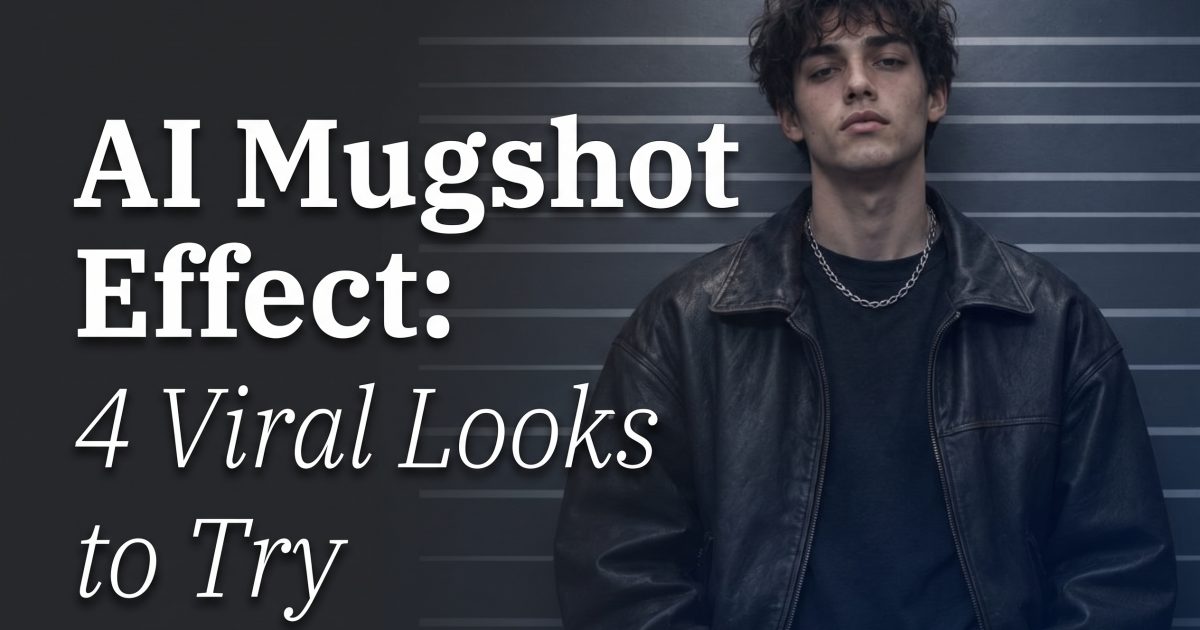
AI mugshot effect posts are taking the deadpan booking-photo frame and turning it into a fashion edit. The look is simple: direct eye contact, hard flash, a flat backdrop, and clothes that feel pulled from a music video. It works because the pose is familiar, but the styling is anything but ordinary.
This version is fictional and style-led, not a real booking photo. Keep it that way. The best results use invented people or your own image, skip names and numbers, and treat the backdrop as a graphic detail rather than evidence of anything.
Why the AI mugshot effect lands
Clean framing does most of the work. A shoulder-up crop gives the face room, while a direct flash creates crisp shadows and a slightly awkward, caught-off-guard mood. That tension makes the image feel less polished than a standard beauty portrait. It also gives outfits more bite.
The trend borrows from editorial portraiture, old film stills, and the visual language of police dramas. The trick is contrast: a plain wall beside a strong jacket, a serious expression beside playful color, or an institutional frame beside luxury styling. OpenAI describes modern image generation as capable of detailed prompt following and photorealistic image work in its image generation announcement. That control matters here because small choices, especially light direction and crop, change the whole result.
2 AI mugshot effect looks to copy
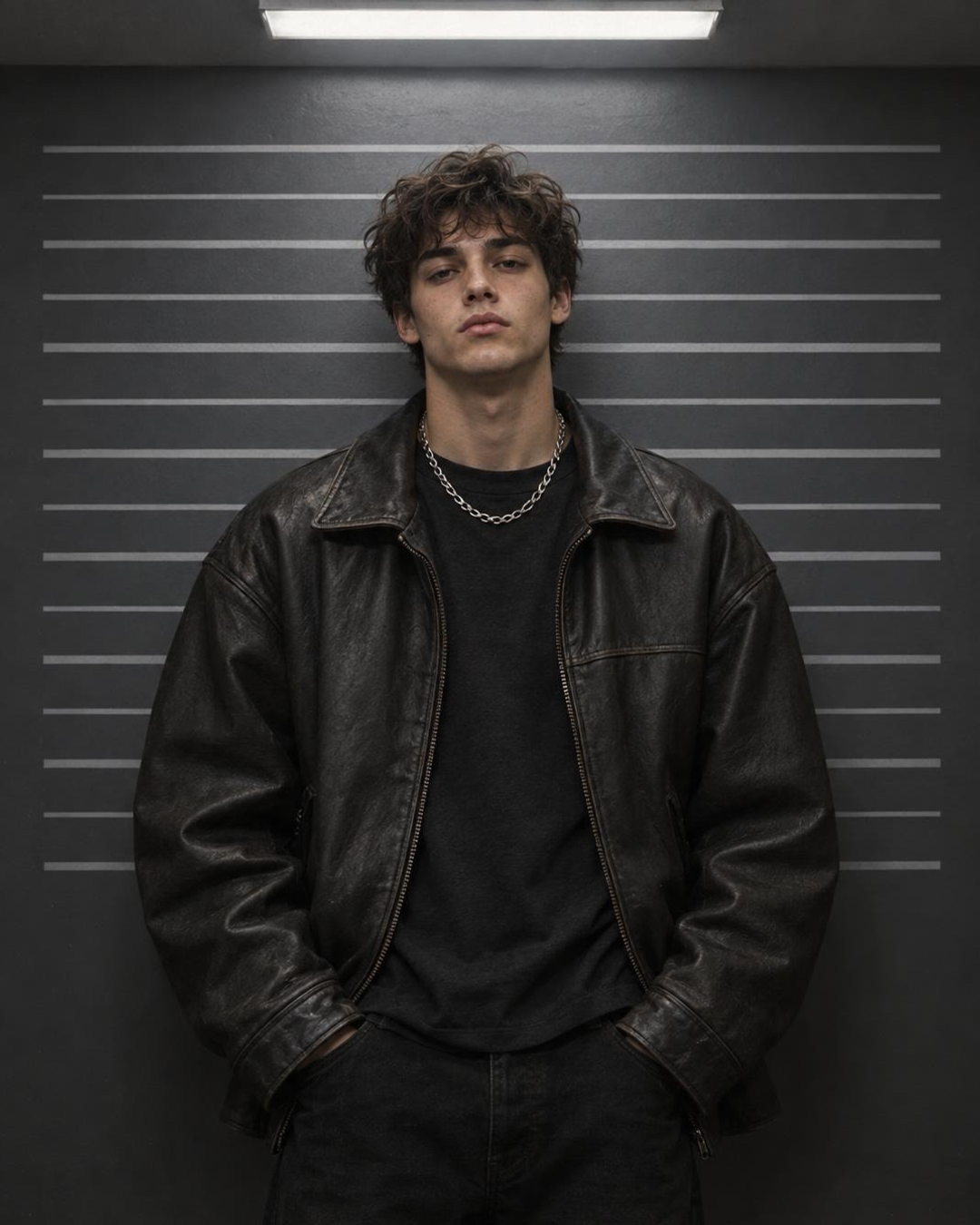
1. Charcoal flash fashion
This is the sharper version. A charcoal background, overhead light, and a leather jacket make the frame feel like a backstage still. The faint backdrop lines give the AI mugshot effect its structure without turning the image into a prop-heavy scene.
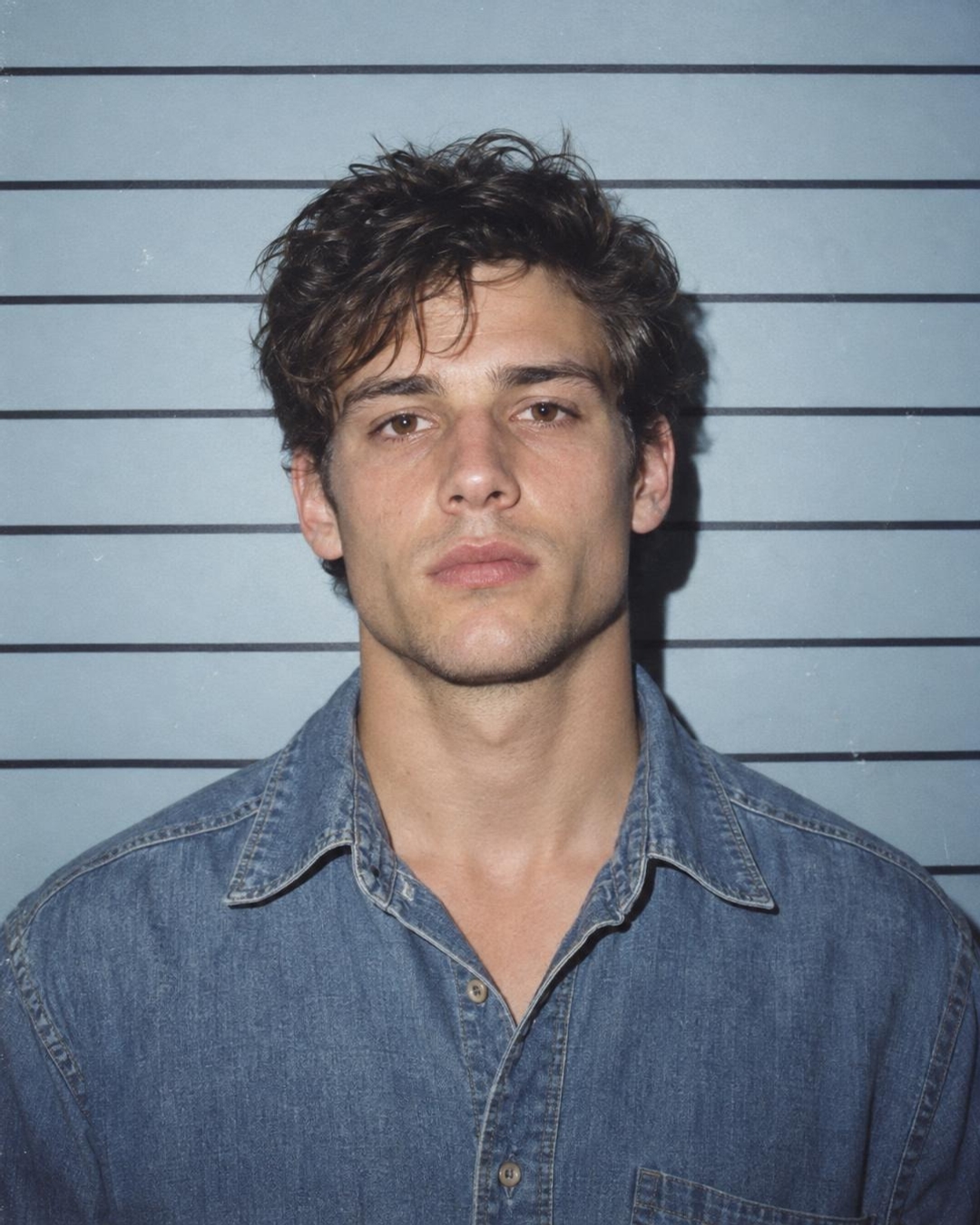
2. Pale blue denim film still
For a softer take, swap the dark wall for pale blue and use a denim shirt. Direct flash still keeps the image punchy, but the color brings a late-1990s film mood. This variation works well for profile pictures because the face stays bright and the background stays quiet.
How to make an AI mugshot effect
- Choose one clear portrait. A front-facing photo with the face visible gives the most dependable result. Avoid sunglasses, heavy hair shadows, or a crowded background.
- Pick one visual lane. Go dark and luxe, pale blue and nostalgic, or warm grey and minimal. Mixing all three usually makes the output look confused.
- Ask for a chest-up crop. The frame should feel close enough to read as a portrait, not a full fashion campaign.
- Specify the light. Use hard direct flash for a raw club-camera feel, or overhead fluorescent light for a colder editorial look.
- Remove real-world details. Add no names, numbers, logos, badges, or location text. That keeps the result clearly creative and easier to share.
- Make three variations. Change one thing per run: jacket color, backdrop color, or grain level. Then keep the image with the strongest eyes and cleanest hands.
AI mugshot effect prompts that stay stylish
Use these as starting points. Replace the outfit and color, but keep the camera instructions. They stop the generator from drifting into a generic selfie.
- Nightclub noir: Fictional editorial mugshot portrait, chest-up, black blazer over a white tank, dark slate backdrop with subtle blank horizontal lines, direct camera flash, high-contrast 35mm film grain, calm expression, no text, no logo, no watermark.
- Soft blue throwback: Fictional AI mugshot effect portrait, front-facing, pale blue wall, faded denim jacket, 1990s point-and-shoot flash, gentle under-eye shadow, fine film texture, no letters, no numbers, no text.
- Clean fashion casting: Editorial casting portrait with a plain warm grey wall, glossy red bomber jacket, centered shoulder-up crop, hard overhead light, realistic skin texture, blank backdrop lines, no text or symbols.
Production tips before posting
Keep the face centered, but do not make it perfectly symmetrical. A slight shoulder turn looks more alive. Ask for realistic skin texture instead of airbrushed skin, then compare outputs at phone size. If the eyes look soft or the fingers distract, rerun with a simpler outfit and fewer accessories.
For a carousel, pair one dark version with one light version. Use the first as the cover, then show the prompt in the caption rather than inside the image. A text-free output crops better for Reels covers, Stories, and profile icons. The GPT Image 2.5 Sunburst Custom model page is useful when a more exact prompt or image edit is needed.
The point of the AI mugshot effect is attitude, not realism for its own sake. Keep the setting fictional, let the outfit carry the scene, and use one confident expression. That is enough to make a simple portrait stop the scroll.
Try this effect in Bloom AI
Recreate these looks on your own photos and videos — free to start.