Paper cutout photo effect is the clean collage look taking over feeds right now. It turns an ordinary portrait into a layered page with torn paper, tape, notes, and sharp shadows. The result feels handmade without looking messy.
The style is landing because it looks personal fast. A simple selfie, a diner shot, or a skate photo can feel like a saved memory board in one edit. Better image tools also help. OpenAI’s Images 2.5 update put more control into precise edits, which makes this kind of layered look easier to keep crisp. If the scrapbook side is the part that matters most, the earlier scrapbook photo effect post goes deeper on that mood.
Quick jump:
- Why the paper cutout photo effect works
- Four paper cutout photo effect looks to try
- How to get the paper cutout photo effect
Why the paper cutout photo effect works
The paper cutout photo effect works because it adds texture without hiding the subject. Flat feeds are easy to scroll past. Torn edges, taped corners, and layered scraps stop the thumb for a second.
It also gives a photo a story. A portrait starts to feel like a page from a mood board, a travel notebook, or a playlist cover. The subject stays clear, but the scene gains personality around it.
That balance matters. Too much decoration makes the image feel noisy. Too little makes it look like a plain filter. The best paper cutout photo effect keeps one hero subject, then lets the paper shapes do the framing.
It works on close portraits, friend shots, travel moments, and action photos. The same formula can feel cozy, playful, edgy, or editorial depending on the color palette and the scraps around the subject.
Four paper cutout photo effect looks to try
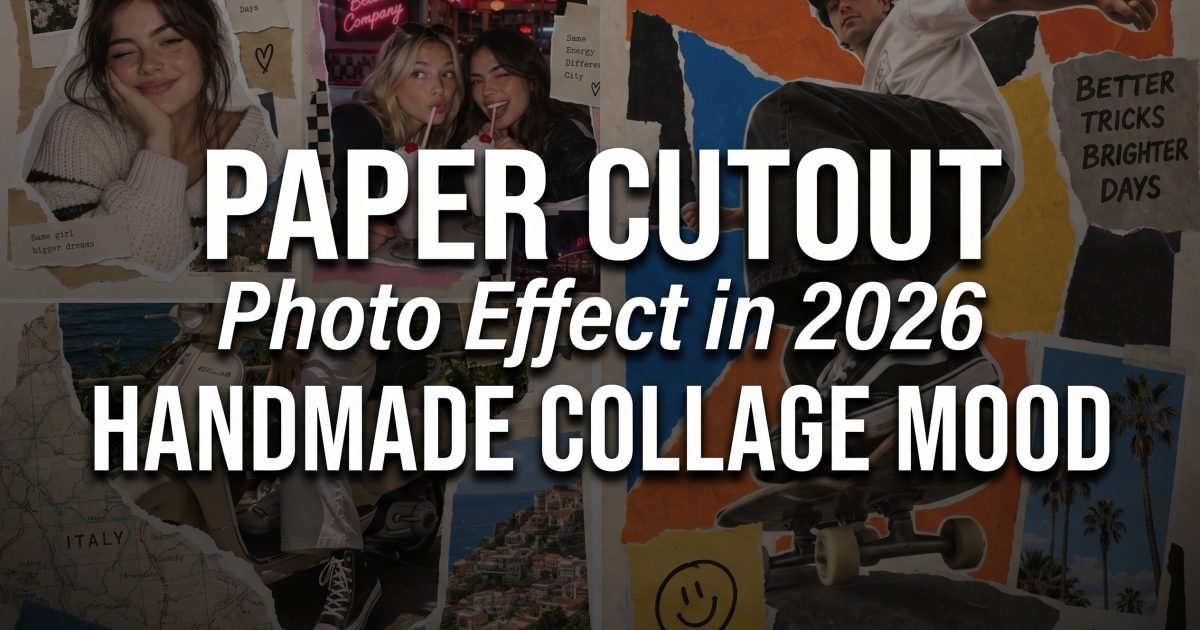
These four examples keep the same core idea, but each one pushes the paper cutout photo effect in a different direction.
Solo portrait with soft cream paper
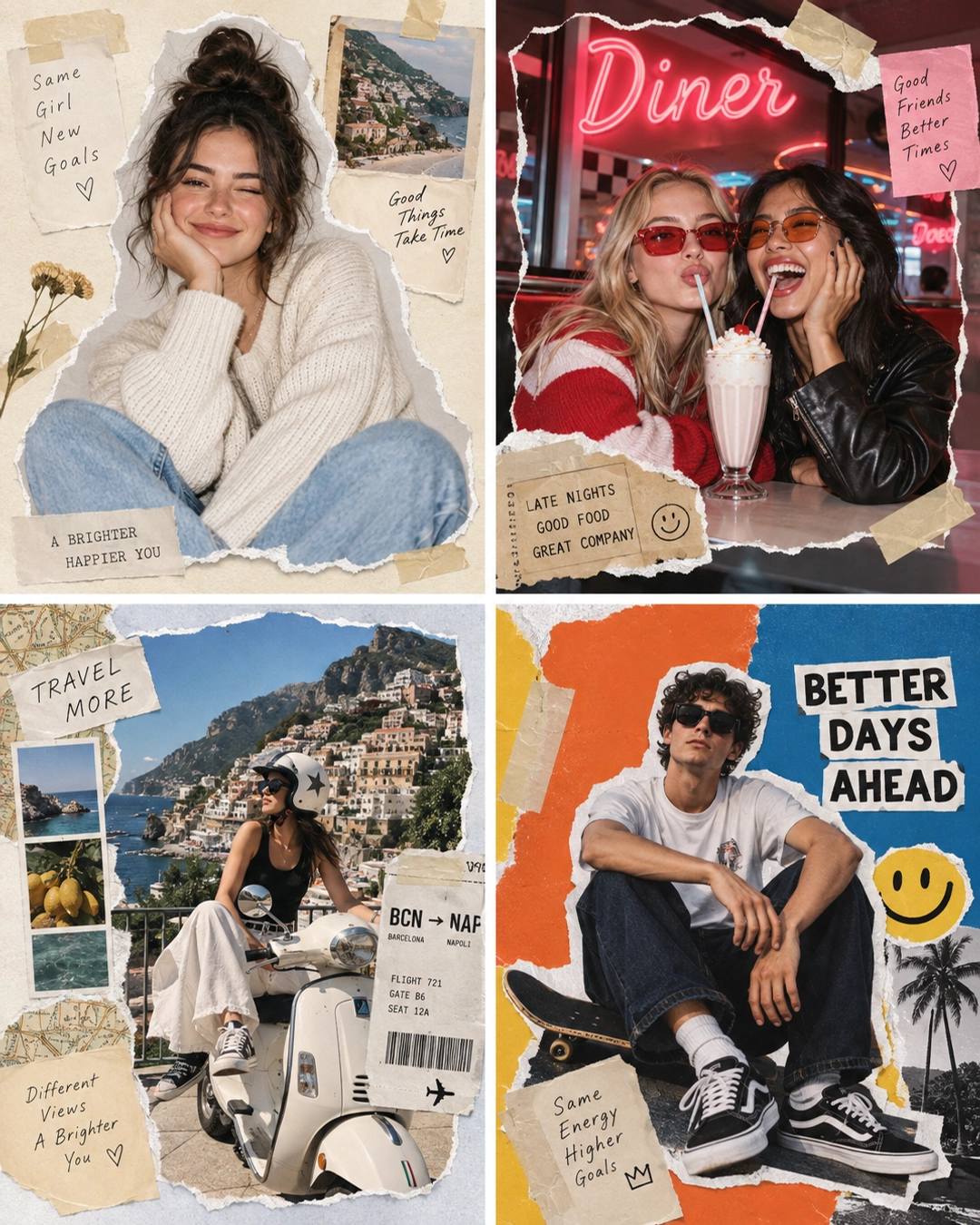
This version feels the most approachable. The subject stays front and center while the paper pieces add just enough shape to make the frame feel collected. It is the easiest paper cutout photo effect to use on a profile shot or a creator bio image.
Neon diner friend set
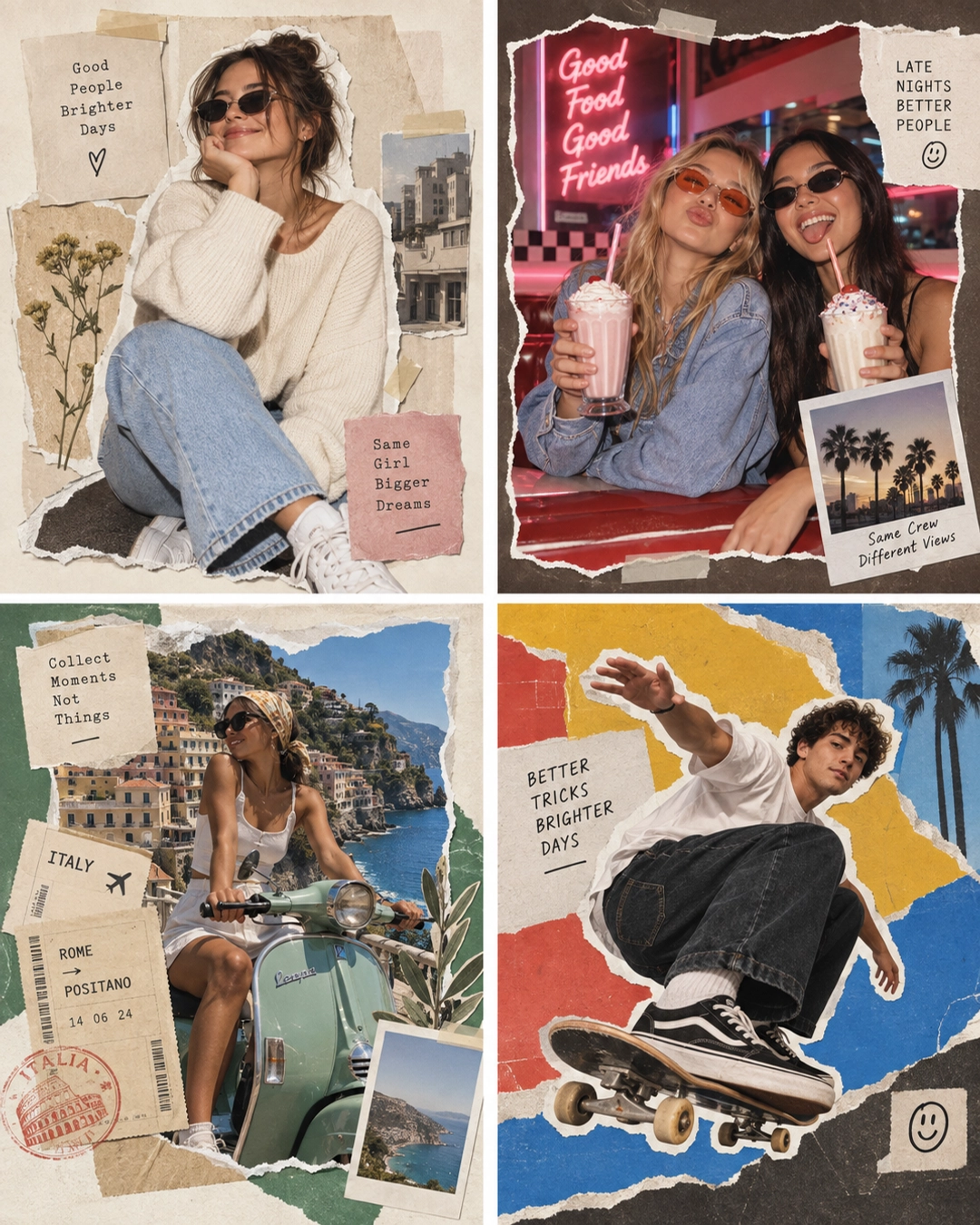
This one leans louder. Neon tones and a busier story make the paper cutout photo effect feel more like a night out recap. It works well when the post needs a little energy without losing the handmade look.
Travel board with ticket scraps
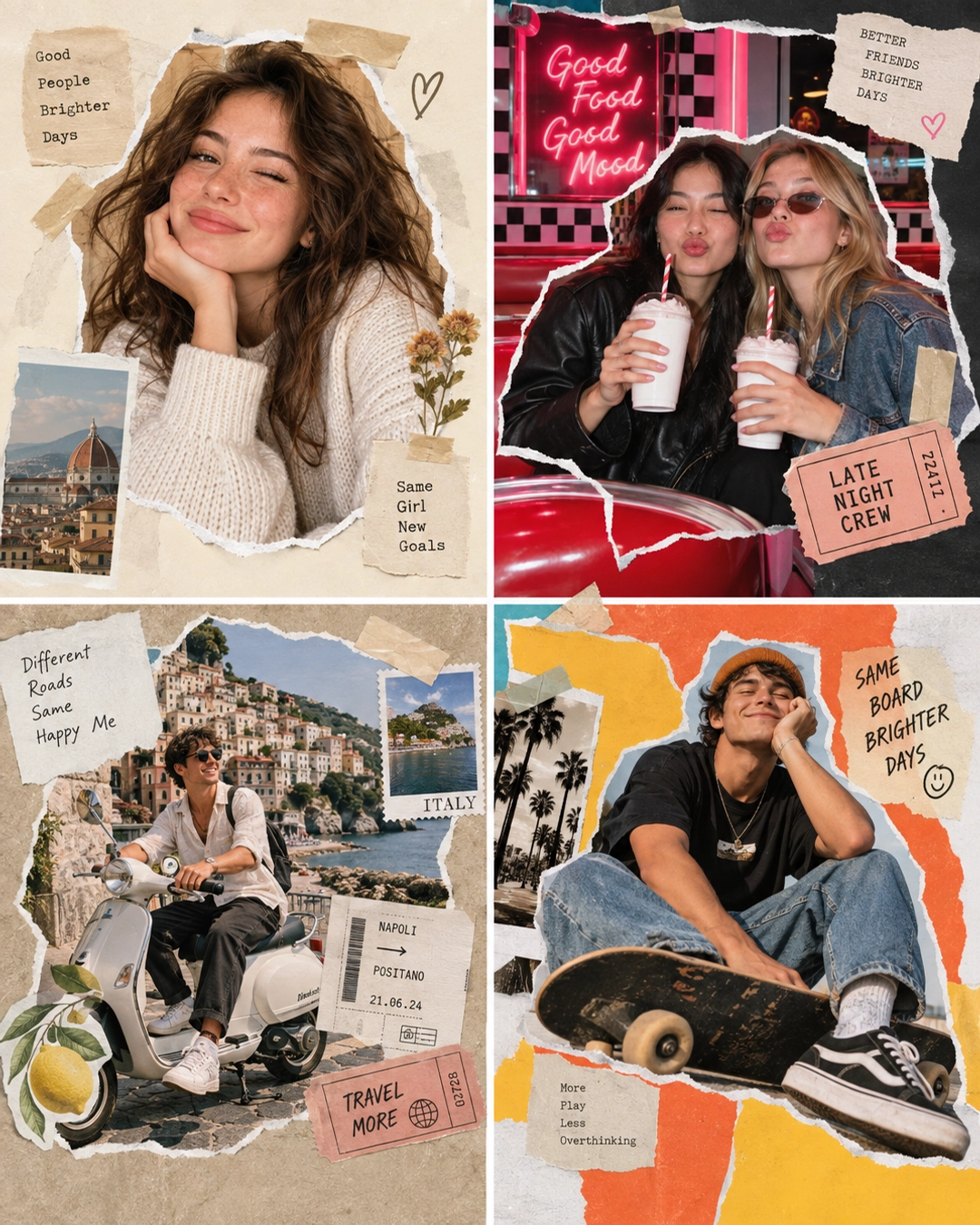
This one feels more collected and a bit more nostalgic. Ticket scraps, pasted notes, and a sense of movement make the paper cutout photo effect look like a memory page from a real trip.
Skateboard poster with bold blocks
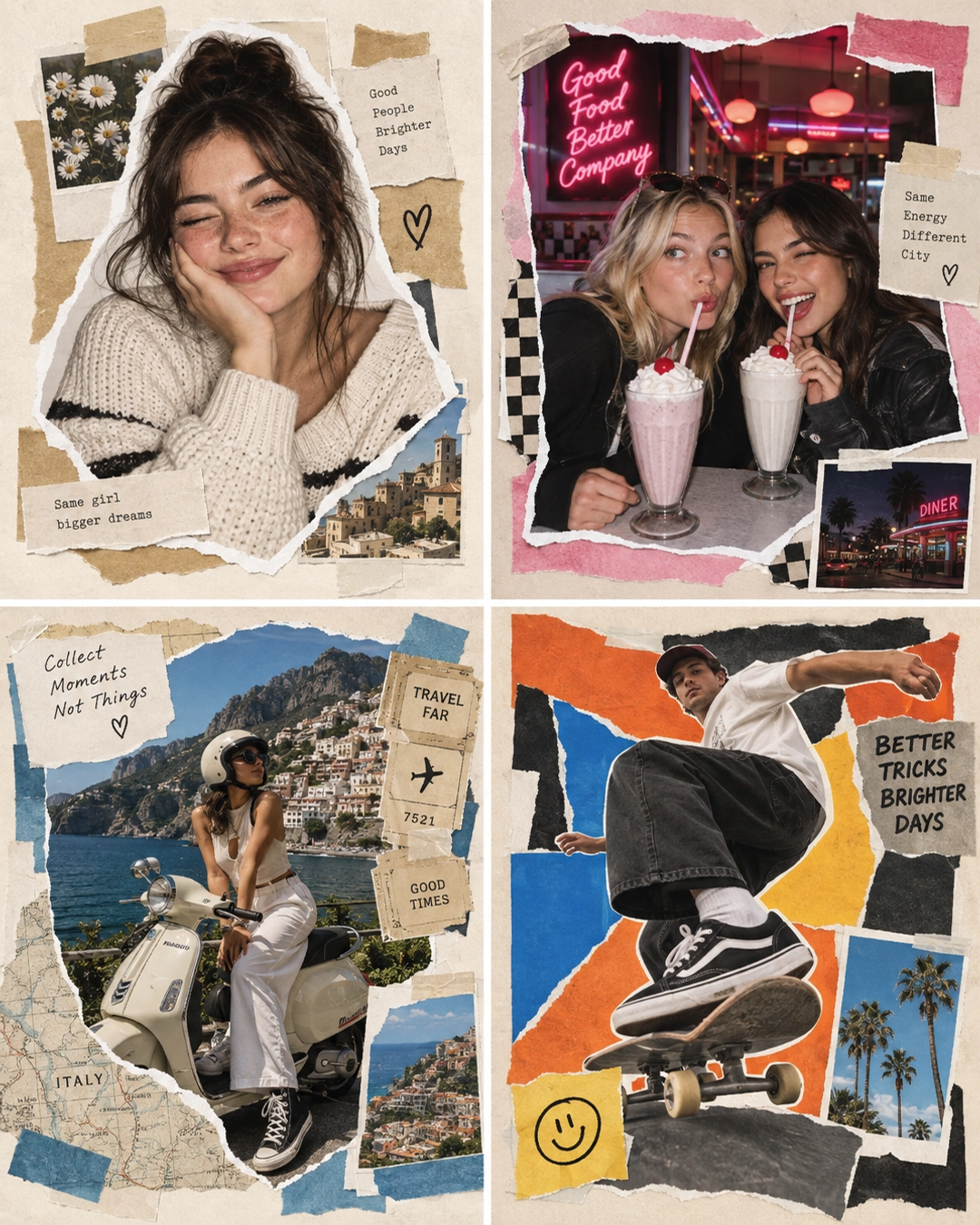
This is the most eye-catching variation. The motion makes the paper cutout photo effect feel active, not static. It works when the goal is a cover image, a poster-style post, or a save-worthy carousel.
| Look | Best for | Why it lands |
|---|---|---|
| Solo portrait | Profile shots | Cleanest read and easiest to copy |
| Neon diner | Friend recaps | More color and more social energy |
| Travel board | Trip posts | Feels like a saved journal page |
| Skateboard poster | Cover images | Strongest thumbnail impact |
How to get the paper cutout photo effect
Start with one clear subject. The paper cutout photo effect works best when the face, outfit, or action is easy to read at a glance. Then build the paper around that subject instead of covering it up.
Use a small color family. Cream, red, blue, black, and one accent color usually look stronger than a full rainbow. The effect should feel styled, not random.
- Pick one hero photo with good light and a clear pose.
- Add torn edges, tape, and a few layered scraps.
- Leave breathing room around the face and hands.
- Match the extra paper to the mood, not just the background.
- Keep the texture slightly imperfect so it still feels handmade.
If the result starts to feel flat, push contrast a little harder. Darker shadows, clearer tape edges, and cleaner subject separation usually help the paper cutout photo effect read better on a phone screen.
That is the real trick. Make the page look assembled, but keep the subject simple. When that balance clicks, the paper cutout photo effect feels current instead of gimmicky.
Try this effect in Bloom AI
Recreate these looks on your own photos and videos — free to start.