The AI ghost photo effect is the fall photo trend for people who want a little mystery without turning a post into costume-store horror. Think direct flash, fog, an empty chair with a translucent guest, or a tiny floating shape that changes the whole scene. The best versions feel like a real photo caught at the wrong moment.
Halloween generators have pushed cinematic costumes and spooky styling into the everyday feed. The fun part is that this look does not need a mask, fake blood, or a haunted-house set. A normal portrait, one strange detail, and a strong lighting choice do the job.
Table of contents
- Why the look works
- AI ghost photo effect prompts
- How to make it look real
- Production tips before posting
Why this ghost look lands on a feed
A good spooky portrait has a clear contrast: the subject feels calm while one impossible thing does not. That contrast makes people pause. The image reads as fashion or travel photography for a second, then the ghost appears. It is more shareable than a full horror scene because it leaves room for the viewer to invent the story.
The look also fits several existing photo habits. Flash-lit portraits feel casual. Film grain softens the polished AI finish. Fog and low light hide small imperfections. That gives the AI ghost photo effect an editorial edge instead of a plastic costume vibe.
For these examples, a text-to-image workflow was used to keep each scene clean and avoid labels or fake poster text. GPT Image 2.5 Sunburst Custom supports detailed image prompts and high-resolution outputs, which is useful when the ghost needs to sit naturally in the lighting.
AI ghost photo effect: 4 looks with prompts
1. The flower-bearing street ghost
Start with a quiet street scene. A ghost holding something ordinary makes the image stranger than a dramatic jump scare. The black velvet outfit keeps the subject grounded, while blue-hour fog supplies the mood.
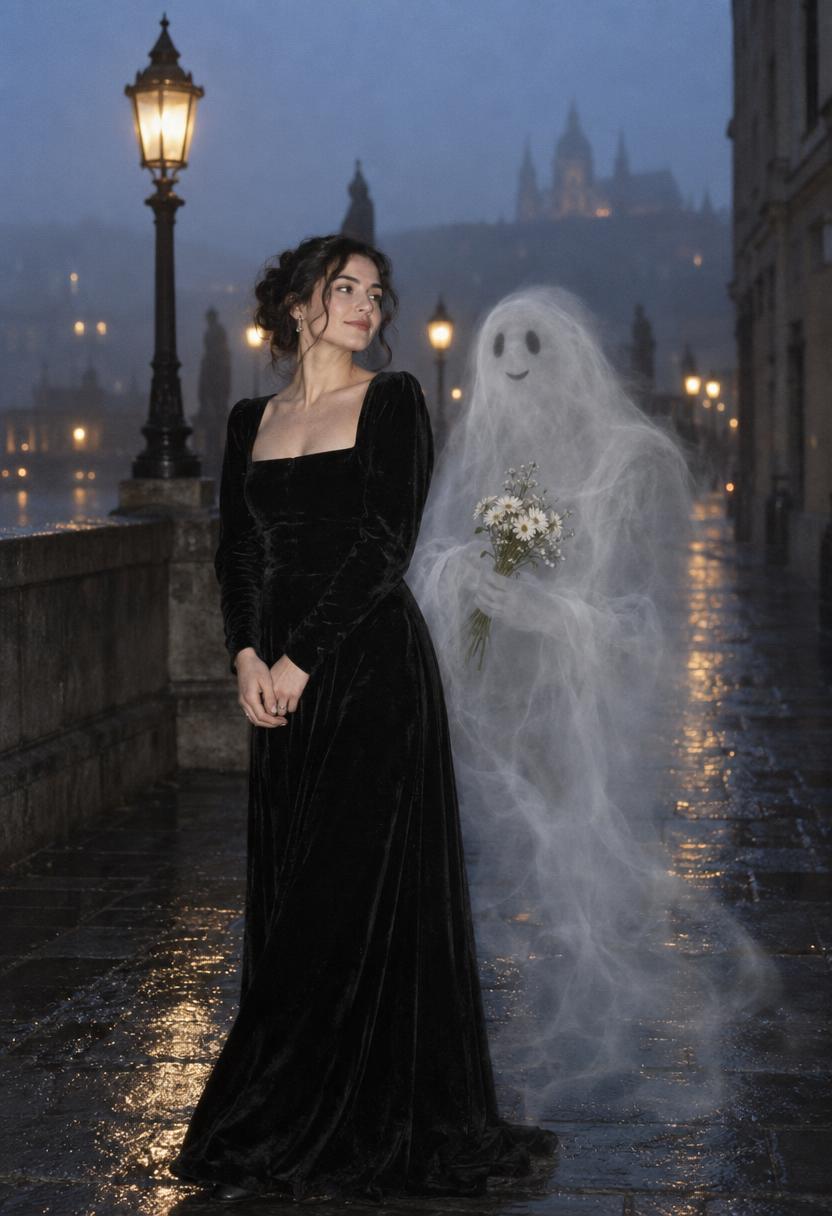
Keep the ghost off-center. It should feel discovered, not staged. Ask for soft flash and a little grain, then leave empty pavement around the subject so the scene can breathe.
2. The empty cinema seat
Old theaters already carry a built-in story. Place the ghost in a nearby seat instead of directly behind the subject. The red curtains and charcoal coat add structure, while the ghost becomes the odd detail viewers notice on a second look.
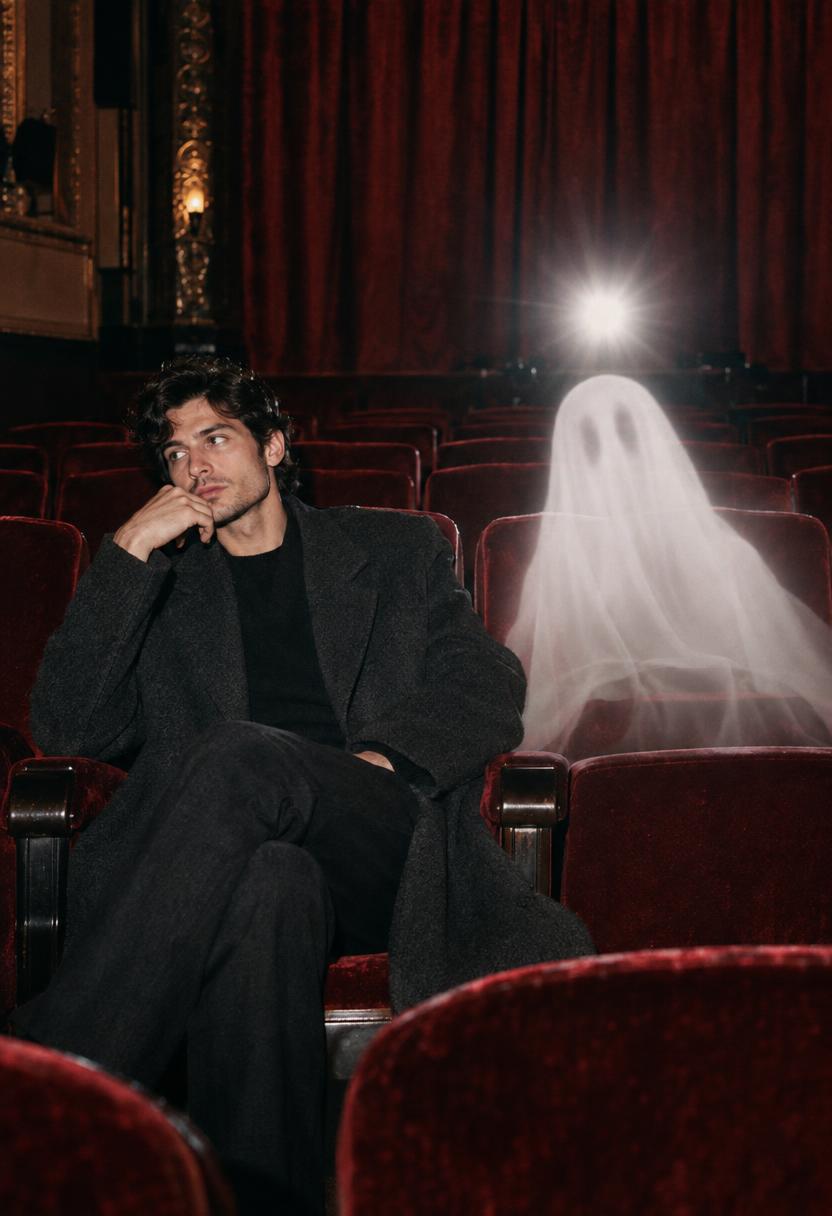
This version works well for a carousel cover because the shape of the seat frames the ghost. Skip a crowded auditorium. One empty seat tells the story faster.
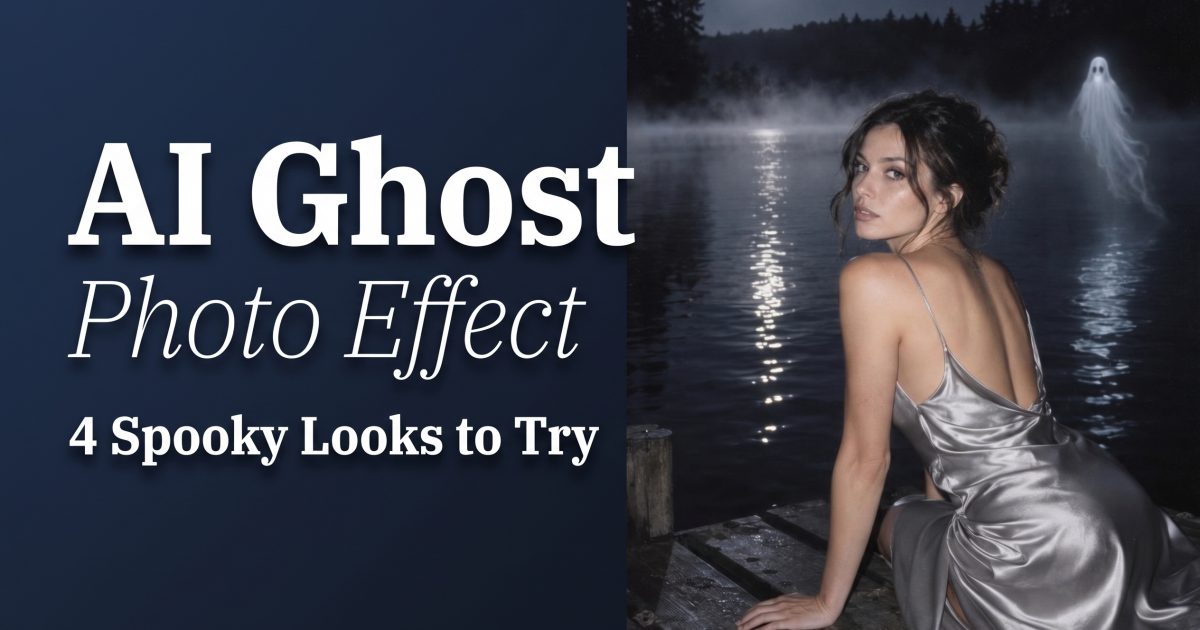
3. Moonlit lake apparition
Water gives the AI ghost photo effect a free special effect: reflections. A small luminous shape over the lake can echo in the water, making the scene feel larger without adding clutter. Silver satin catches the flash and separates the person from the dark shoreline.
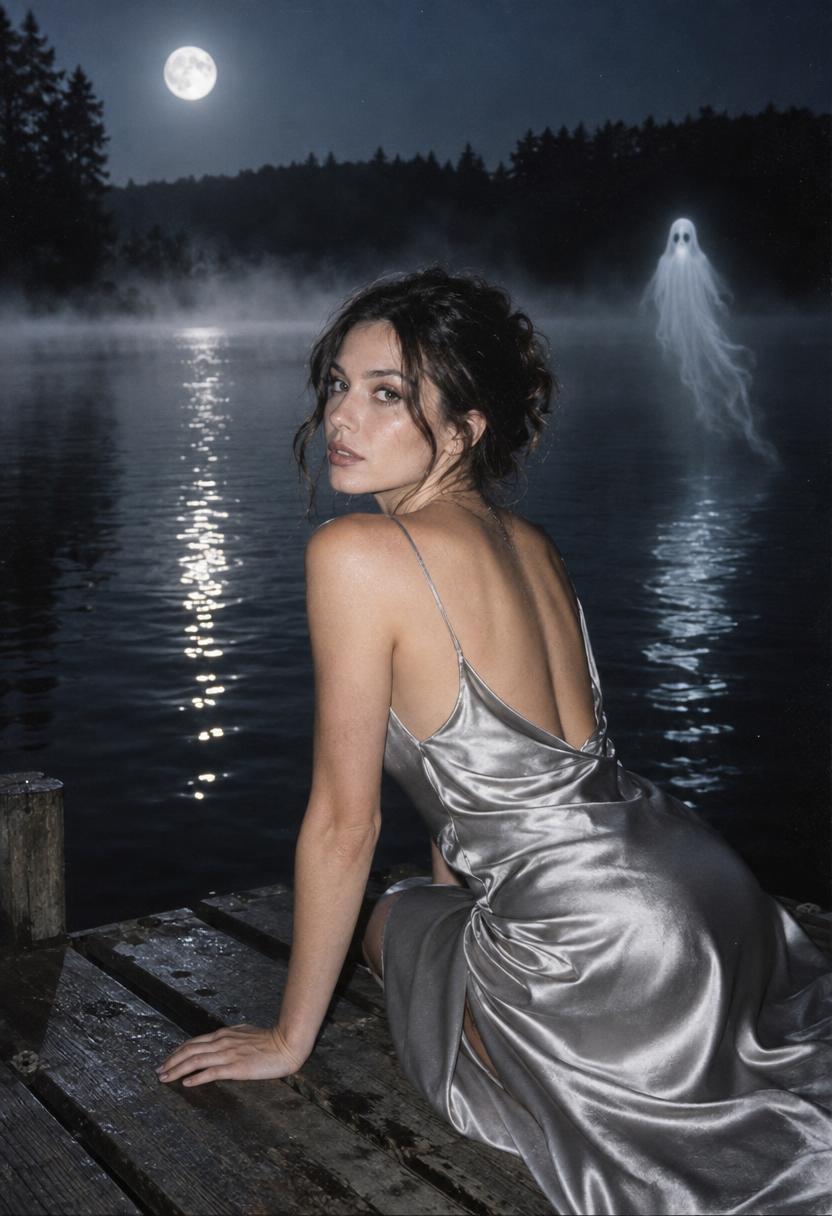
Ask for a small ghost, not a giant one. The hard version is getting its light to match the moon and flash. Mention both light sources in the prompt, then regenerate if the reflection points in the wrong direction.
4. The autumn porch photobomb
For a lighter version, make the ghost playful. Two friends, knitwear, and a porch light create a warm setting. A transparent figure formed from swirling leaves keeps the image seasonal without copying a movie character or relying on a recognizable mask.
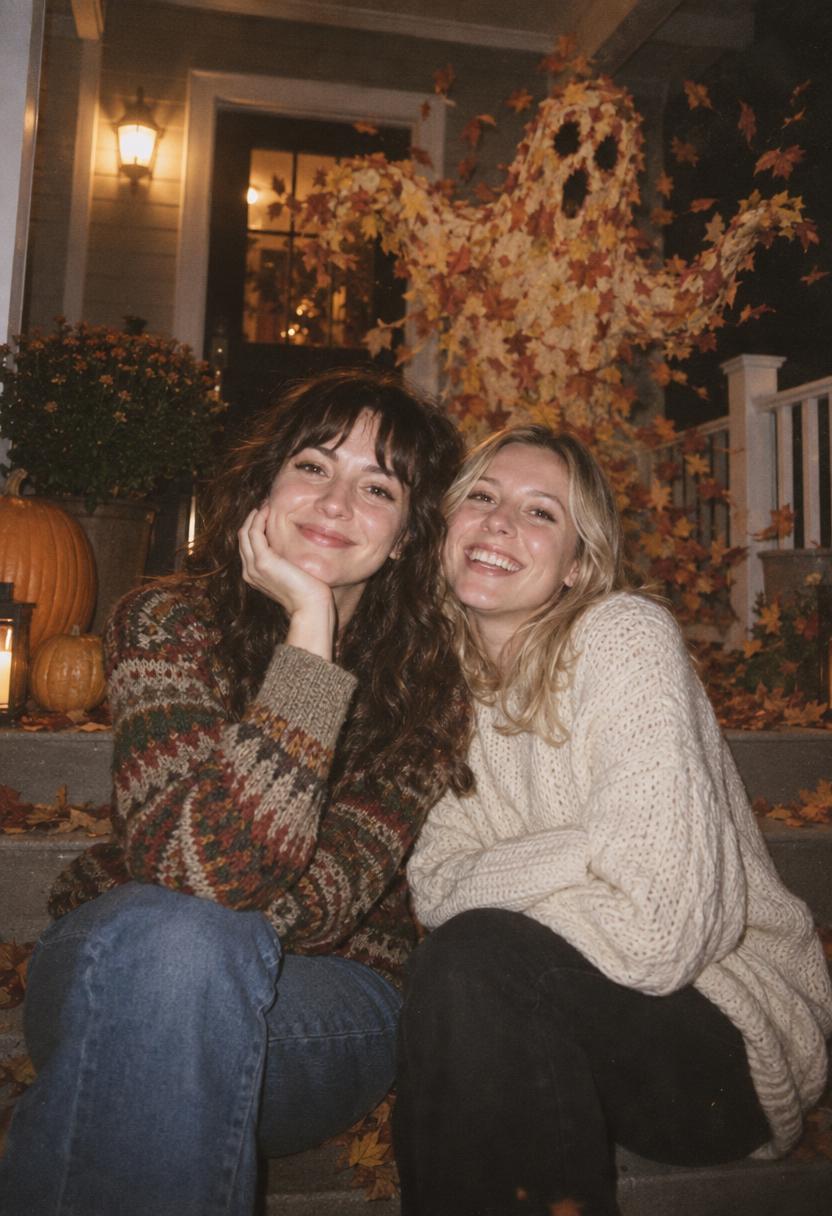
Make the people look relaxed. A stiff pose turns a photobomb into a poster. This is the easiest AI ghost photo effect prompt to adapt for couples, friend groups, or a pet sitting near the door.
How to make the look yourself
- Pick one clear setting: a street, theater, lake, porch, or hallway. Do not combine five locations.
- Describe the subject first. Include outfit, pose, and expression before mentioning the ghost.
- Give the ghost one job: holding flowers, sitting in a chair, hovering over water, or tossing leaves.
- Name the light source. Direct flash, porch light, moonlight, or neon should explain the shadows.
- Add a texture note such as film grain, disposable-camera flash, or soft fog.
- Finish with no words, no letters, no logos. That keeps accidental title cards out of the image.
For a seasonal reference, PhotoGPT’s AI Halloween Generator shows how costume edits and spooky styling are being packaged for social images. Pixelbin’s Halloween trend guide also follows the same simple flow: choose a portrait, describe the effect, then export the result.
Production tips before posting
Generate at portrait size for Stories and Reels covers. Leave extra space above the head so an app does not crop the face. For a feed post, test the image at small size. If the ghost disappears in a thumbnail, brighten its edge or move it closer to the subject.
Avoid named horror villains, branded costumes, and copied poster compositions. A mist figure, a leaf spirit, or an empty-seat apparition has more personality anyway. Keep one dominant color story. Blue and silver feel cold; red and black feel theatrical; amber and brown feel playful.
Last check: the ghost should support the portrait, not replace it. If the viewer only sees an effect and not a person, simplify the background. That is the difference between a creepy scroll-stopper and a noisy image people skip.
Try this effect in Bloom AI
Recreate these looks on your own photos and videos – free to start.