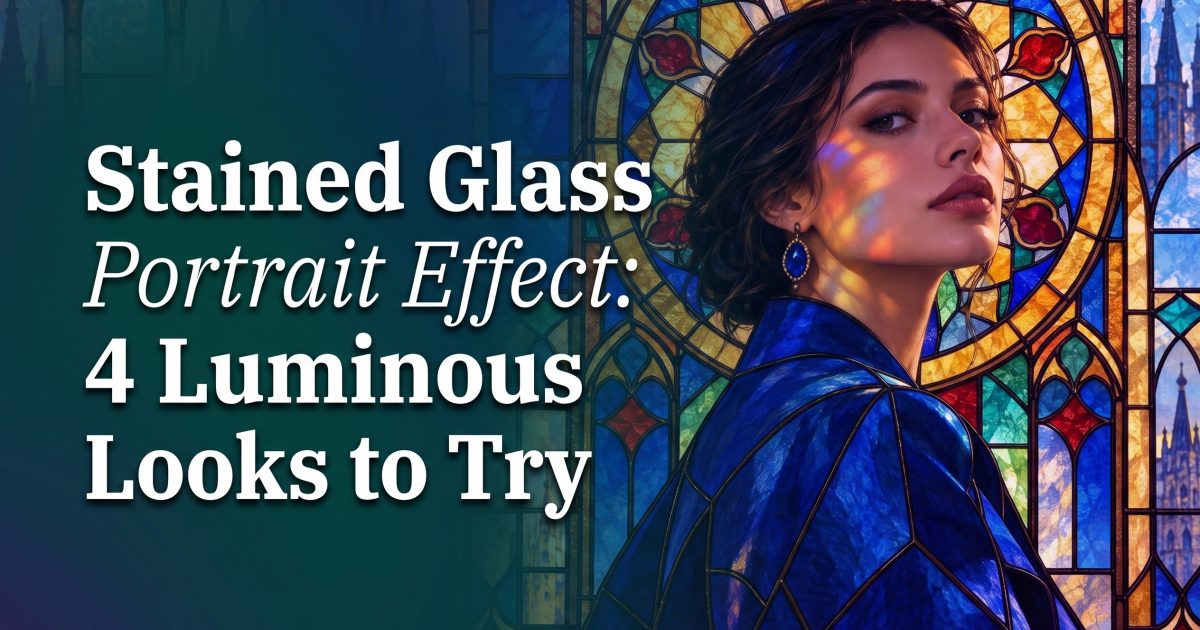
Stained glass portrait effect is the newest way to make an ordinary selfie feel lit from within. The look swaps a flat background for jewel-toned panes, clean dark lead lines, and colored light that lands on the face. It has the instant pull of a cathedral window, but it still feels personal enough for a profile photo, a story cover, or a carousel opener.
The trick is restraint. A good version keeps the expression readable and lets the glass do the styling. Too many tiny panes can turn a face into visual noise. Start with one clear subject, a strong color idea, and a prompt that tells the generator where the light should fall.
Why the stained glass portrait effect catches attention
Scrolling moves fast. This effect has a built-in pause because the eye wants to follow the panes and pick out the colors. It also works across styles. A calm close-up can feel like fine art. A street portrait can look like a music-video still. The common thread is contrast: dark outlines beside glowing color.
Recent AI-art trend roundups have called out stained-glass scenes as a growing format, while image tools have gotten better at following detailed visual direction. That combination makes this less of a one-note filter and more of a promptable look. Change the palette, the backdrop, or the subject, and it still reads immediately.
4 stained glass portrait effect looks to try
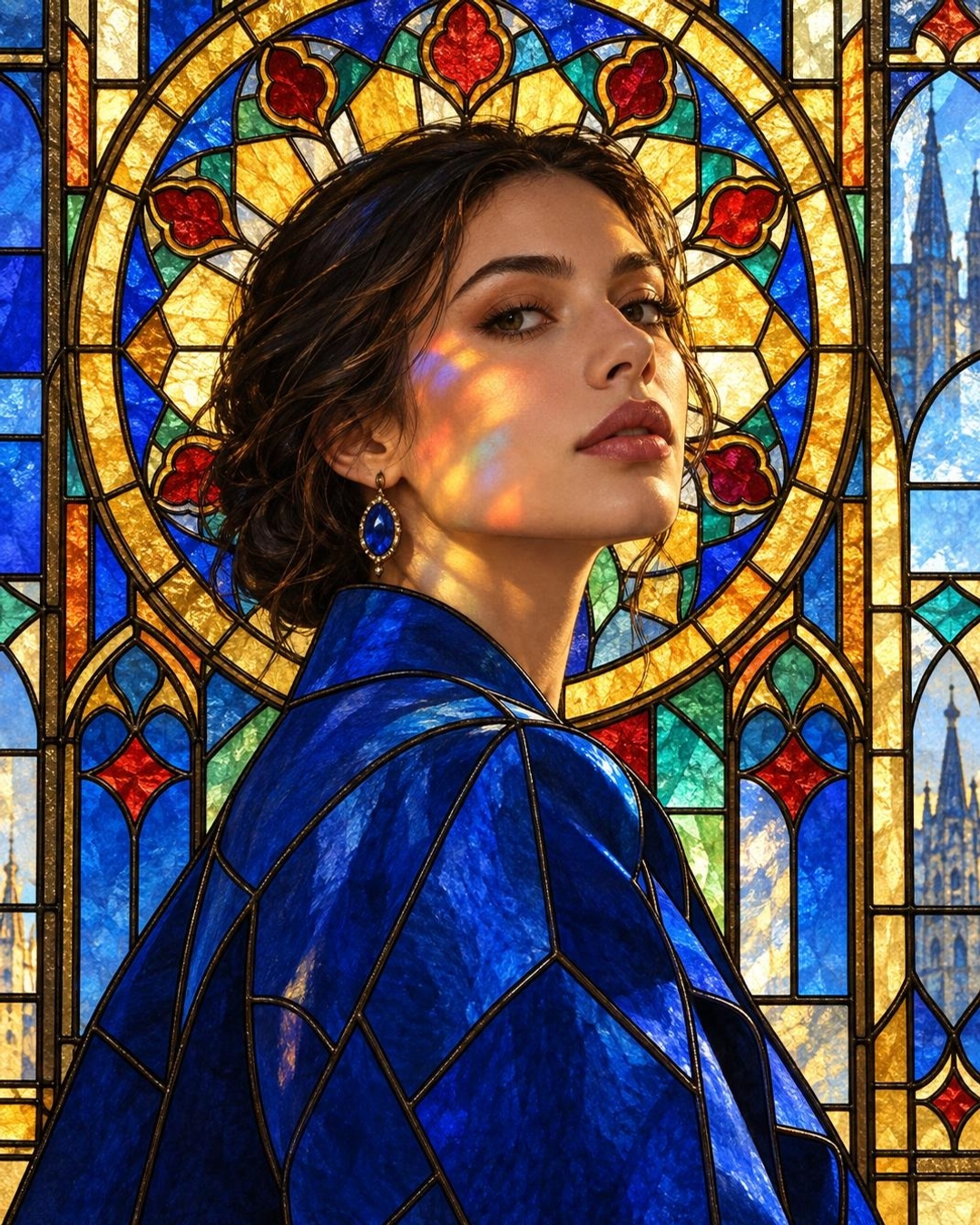
1. Cobalt halo
For a polished fashion take, pair cobalt, sapphire, and small flashes of gold. Keep the subject turned slightly away from camera so the colored light can catch one cheek. This works well when the outfit has one strong color instead of a busy print.
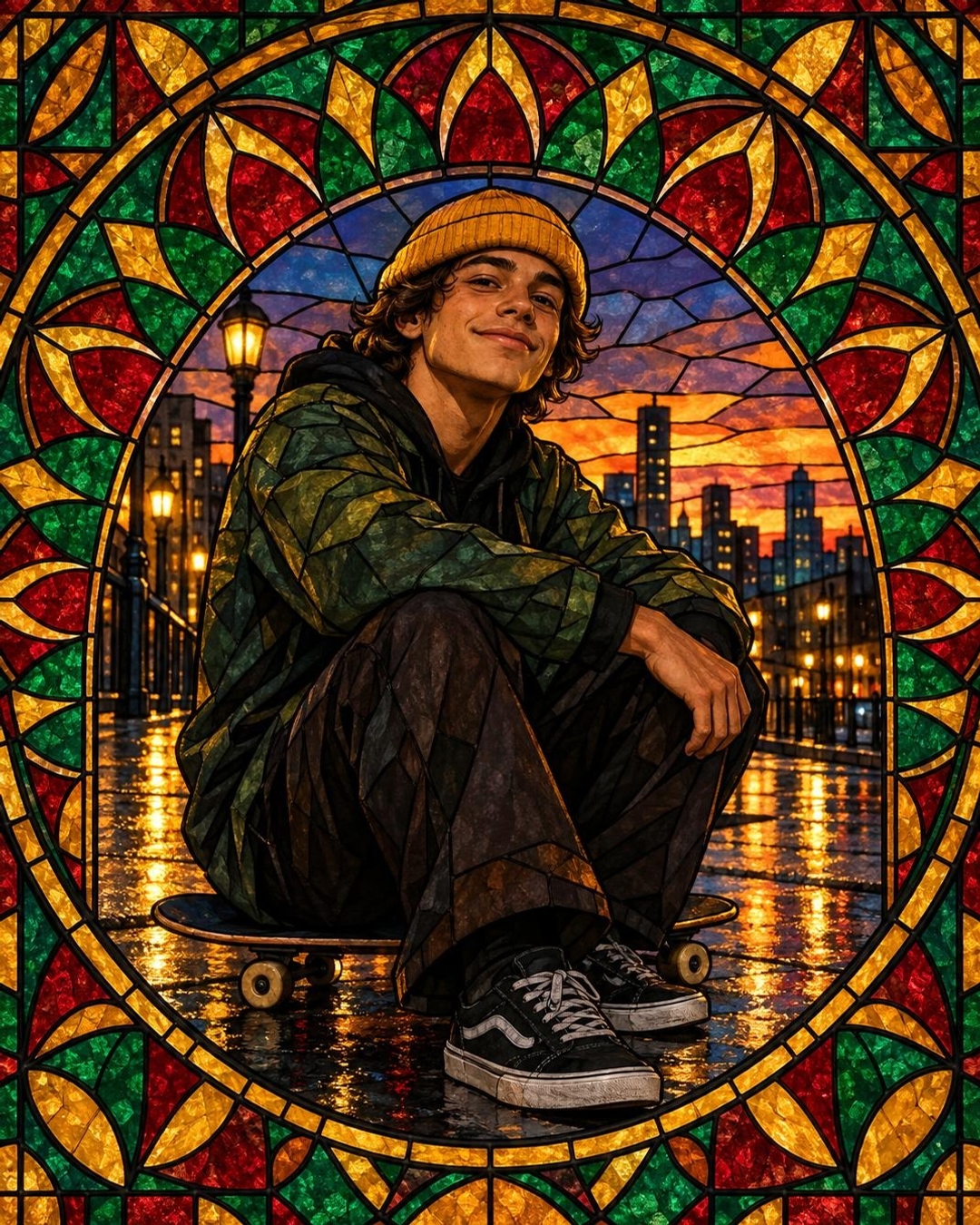
2. Rainy skate glow
Make the format feel current by moving it outdoors. A damp street gives the color somewhere else to reflect, while a beanie, board, or jacket keeps the image grounded in real life. Ask for a rose window behind the subject rather than covering the entire frame with glass.
3. Sunset florals
Use coral, peach, and marigold panes for a soft, warm version. A floral border makes a clean frame around the face. It is a smart pick for birthday posts, outfit shots, and warm-weather photo dumps. Keep the flower count low so the face remains the main event.
4. Midnight neon
For a sharper feed look, ask for indigo, violet, and electric teal with a nearly black background. Add rim light to the hair and a little chrome in the styling. The result feels closer to album art than a traditional church window, which gives the effect a useful edge for nightlife and concert content.
How to make a stained glass portrait effect
- Choose a photo with one face in clear light. Front-facing or three-quarter angles work best.
- Pick a tight palette before writing the prompt. Three main colors give cleaner results than a rainbow.
- Name the glass structure: lead outlines, cathedral panes, rose window, or geometric mosaic.
- Tell the prompt where the colored light should land, such as one cheek, the jacket, or wet pavement.
- Generate a few versions, then keep the one where the eyes and expression still feel natural.
Starting from a fresh image works when a fully stylized result is the goal. For a personal selfie, use an image-editing mode and ask it to preserve facial structure, hairstyle, and expression. OpenAI’s image generation overview is useful background on why detailed instructions and text-aware image systems matter here.
Production tips that keep the look shareable
Write what should not appear when it matters. The prompts above call out no words, lettering, or logos, which avoids accidental signage and keeps the visual ready for a post. Use portrait framing for stories and profile covers. Use a wider crop only when the glass window itself tells part of the story.
Keep lead lines broad around the jaw, eyes, and shoulders. Fine black lines look pretty at full size, but they can disappear on a phone. If the image feels too busy, remove one element first: extra flowers, extra reflections, or an over-detailed background. The subject should still read in a thumbnail.
Color choice does the heavy lifting. Cobalt and gold feel editorial. Ruby and amber feel warm and romantic. Emerald and violet feel moody. Match the palette to the outfit or the post’s mood, then let the panes repeat those colors around the frame. For another view of where this format sits among current AI looks, see this 2026 AI art trends roundup.
One last check before posting: zoom out. If the face lands first and the glass gives it a second look, it is ready. That is the whole appeal of the stained glass portrait effect: familiar photo, unexpected light.
Try this effect in Bloom AI
Recreate these looks on your own photos and videos – free to start.